Splash Ad: App Launch Take-Over

Placement and Features
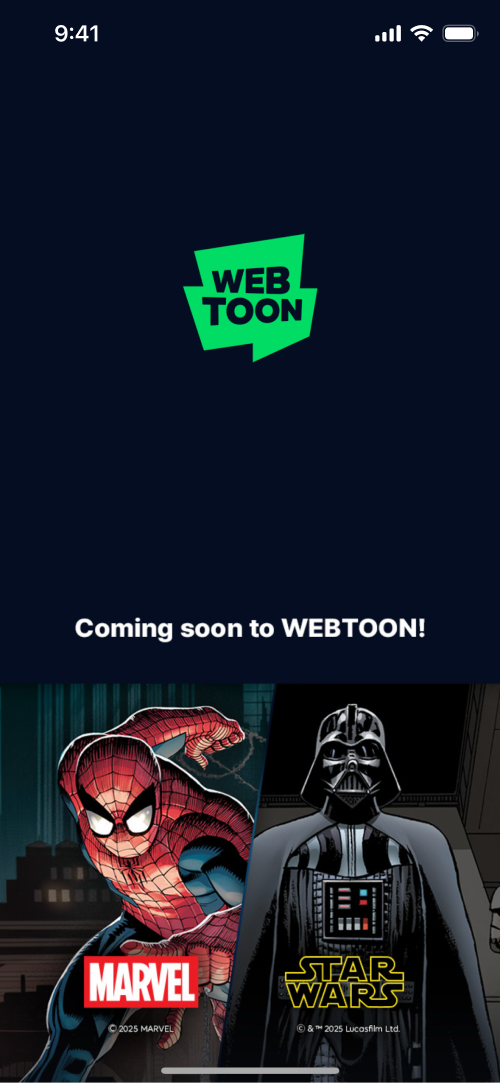
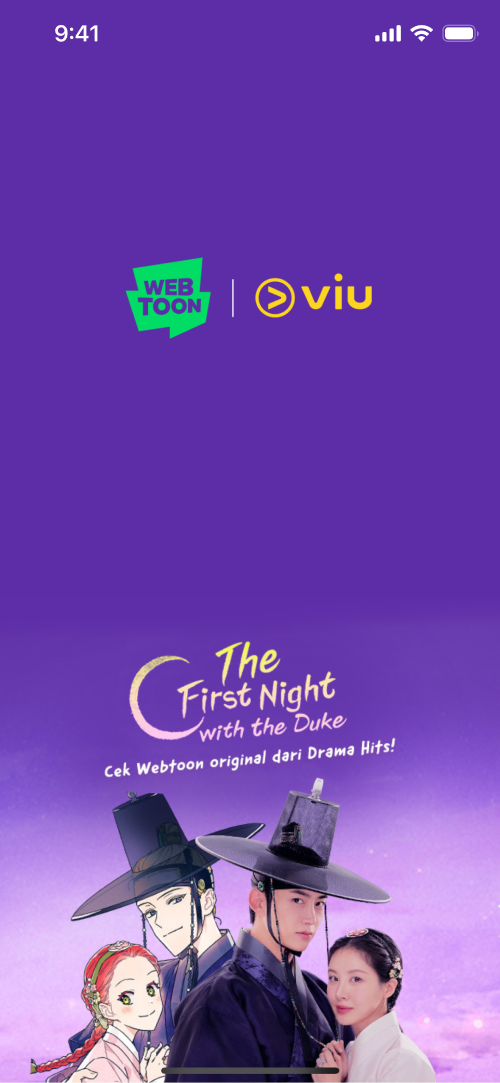
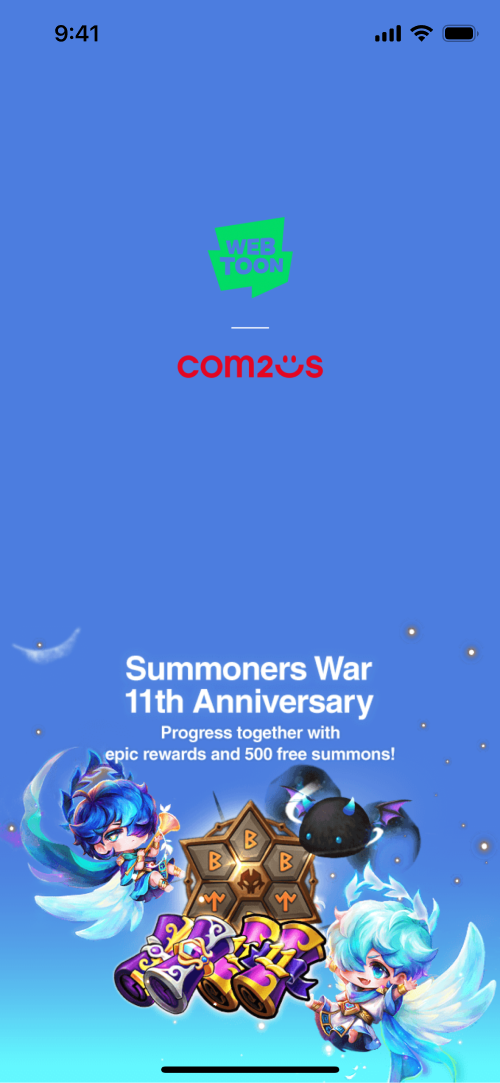
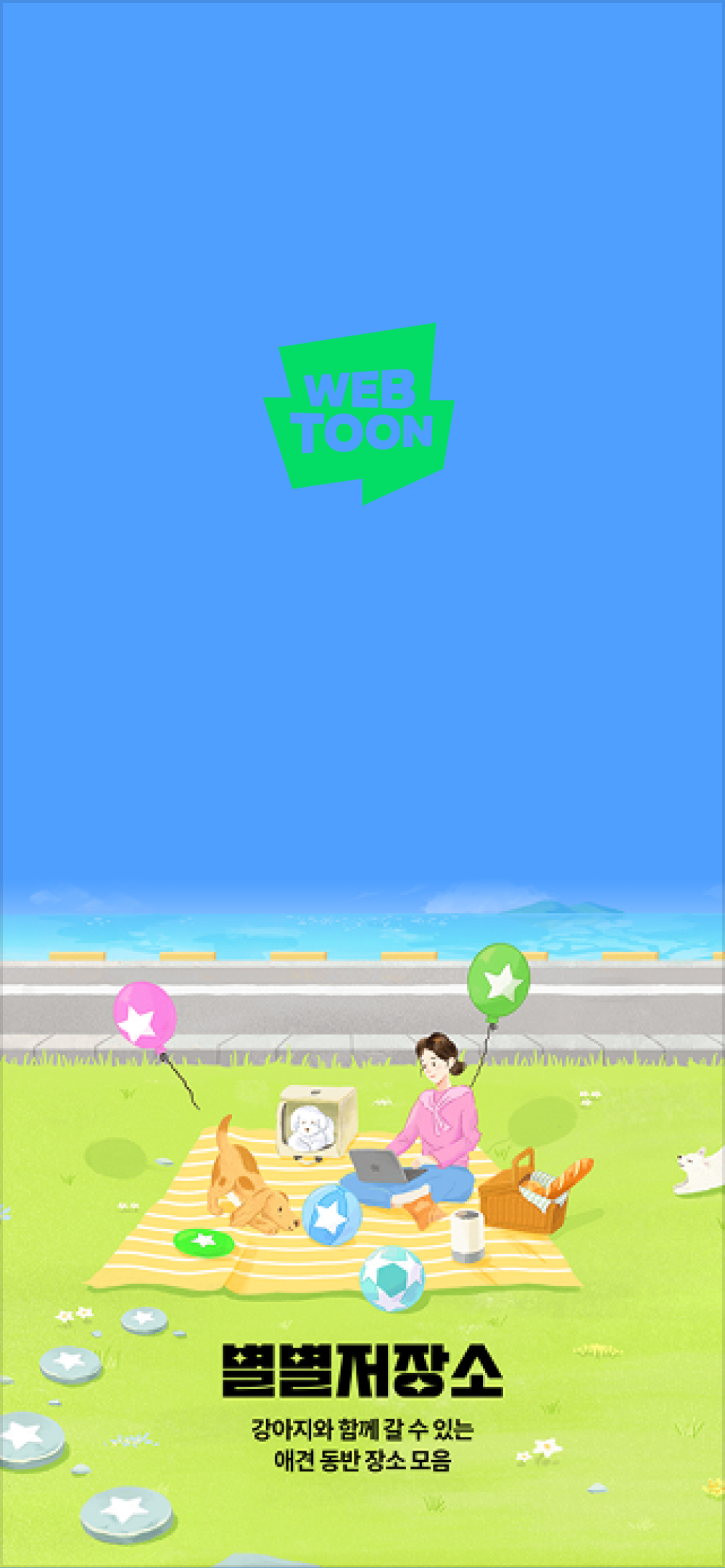
  • This is a full-screen Splash ad, which appears below the fold on the Splash screen, i.e. app load screen

  • The ad appears seamlessly as the user waits for the app to load, delivering a visually impactful brand/event message in a smooth and unobtrusive manner.

  • It should focus on the key message, instead of presenting too much information.

Required Assets

  • Please provide us with total 2 assets, i.e. the logo image and the below-the-fold ad creative.

  • Please send us the PSD file in addition to the 2 assets above.

  • Please use the PSD template provided by WEBTOON.

Logo, Bottom AD Image
Asset
Image dimensions
File size
File format
Resolution
Color profile

Logo

945 x 720 px

Up to 40KB

PNG

(background must be transparent)

144 dpi

sRGB IEC61966 2.1

Bottom AD Image

1400 x 614 px

Up to 300KB

JPG

144 dpi

sRGB IEC61966 2.1

Background Color

-

-

#Hex (Hex Code) Value

-

-

Logo Production Guide

Logo Type

  • Please choose one of the three logo layout types (Horizontal, Vertical or Standalone).

  • Please check the detailed production guide for each of the logo types, and use the PSD template provided by WEBTOON.

Horizontal
Vertical
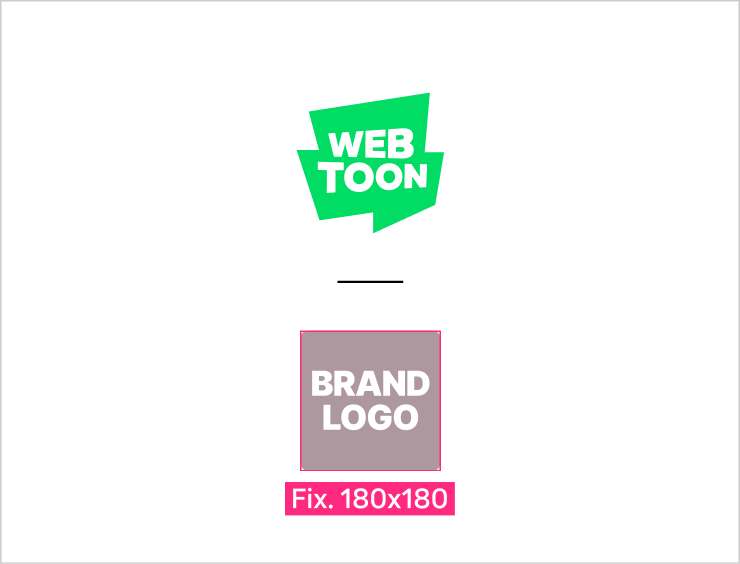
WEBTOON Standalone

WEBTOON Logo

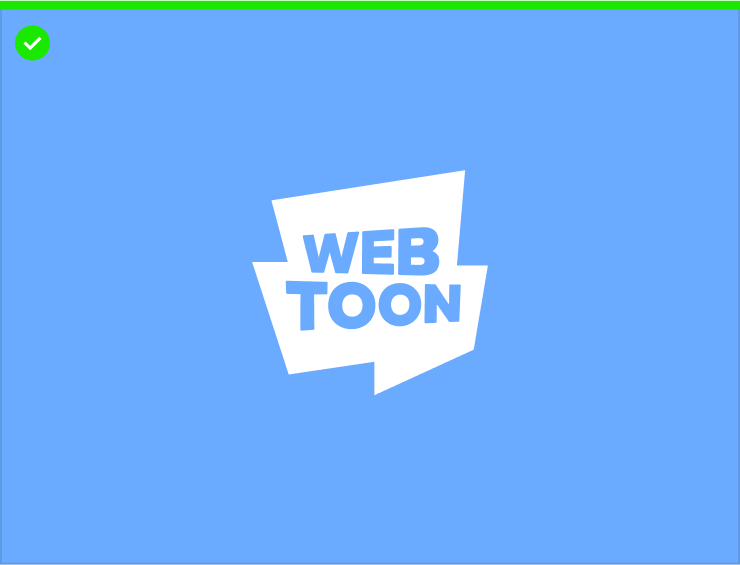
  • WEBTOON Logo is provided in three colors, i.e. green(#00DC64), white and black.

  • Unauthorized modification/distortion/transformation of the original logo is prohibited—the logo has to be used in its original form at all times.

Advertiser Logo

  • Please use your primary brand/service logo.

  • Logos of a certain IP, individual product or campaign are not allowed; however, please consult with us if you wish to use them.

Logo Color Principles

1) Always use the green WEBTOON logo as the default choice

  • The green logo should be the default choice at all times.

  • The green WEBTOON logo must be used if the advertiser’s logo is colored,.

  • The green WEBTOON logo should be preferably used even if the advertiser’s logo is either white or black; however, in consideration of visibility against the background, it is possible to use the WEBTOON logo of the same color as the advertiser’s logo.

  • If the advertiser uses the WEBTOON Standalone logo, it should avoid the use of its black logo; however, please consult with us if the use of black logo is required,.

2) Contrast with the background color

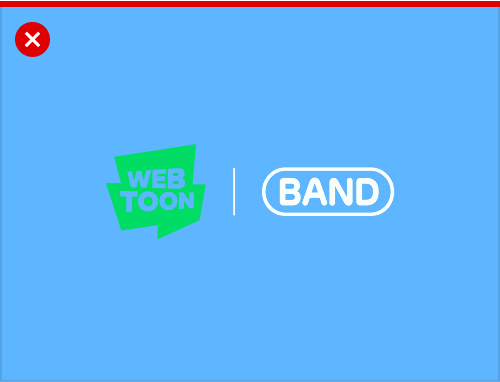
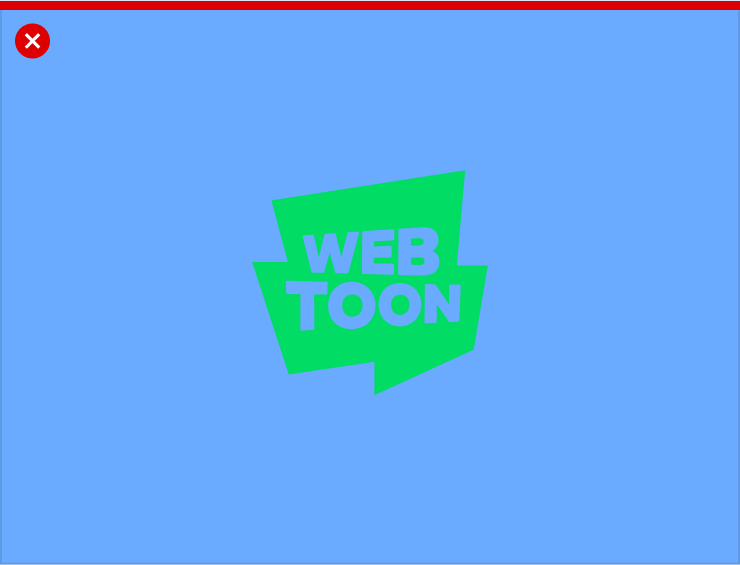
  • All logos should have strong color contrast with the background color of the bottom ad image to ensure clear visibility.

Brand Hierarchy

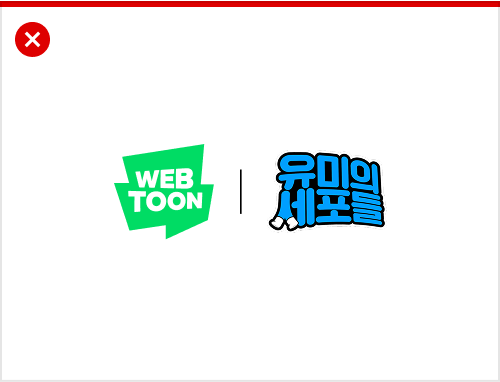
  • Brands for a service may not be featured alongside IP or product brands, as they fall under distinct brand hierarchies.

  • However, if a brand in the lower-tier shows stronger market recognition than the brand in the higher-tier, it is possible to stack their logos together upon internal review.

  • Market recognition is evaluated based on Google Trends search dataarrow-up-right(region-adjusted) from the past year (in addition to internal brand policies).

  • For content brands that are time- and trend-sensitive, such as games and films, the basic guidelines still apply; however, please consult with us, as exceptions may be considered on a case-by-case basis.

Examples

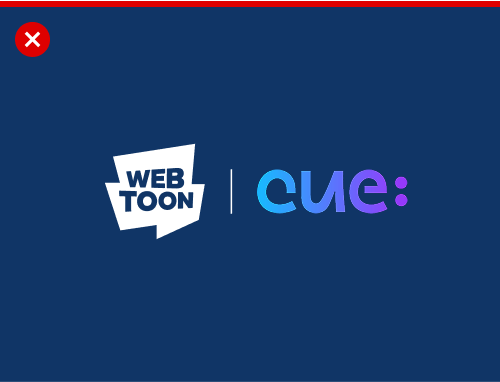
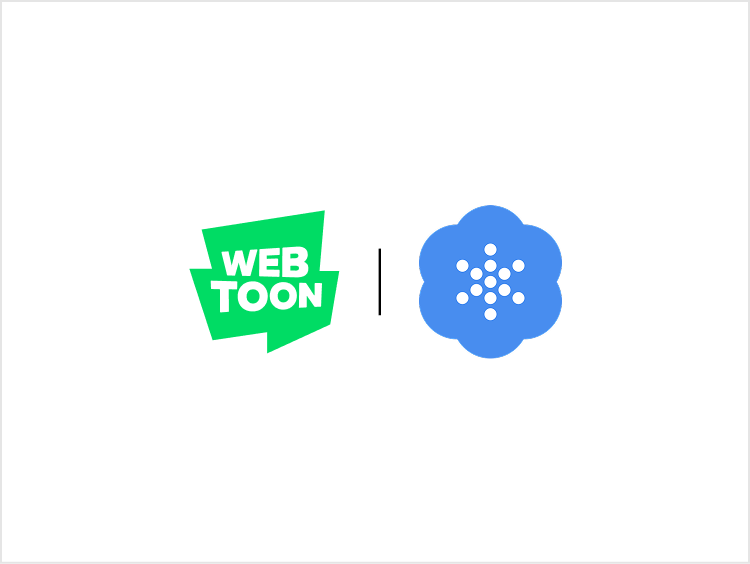
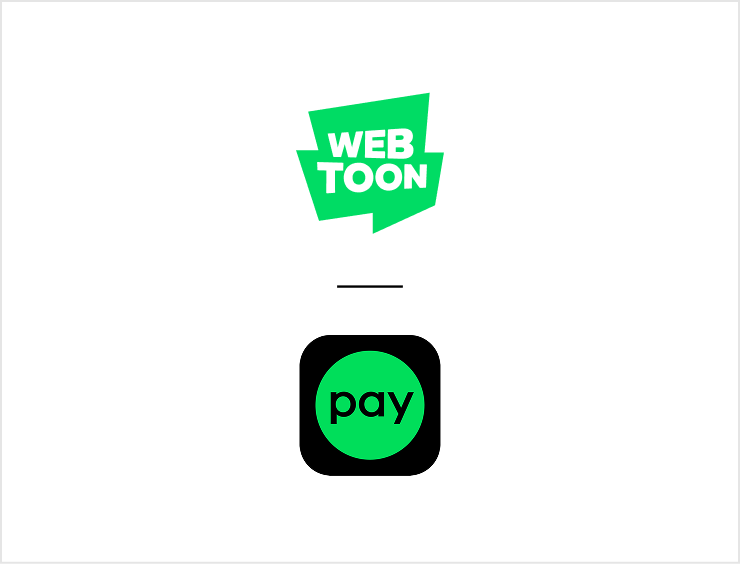
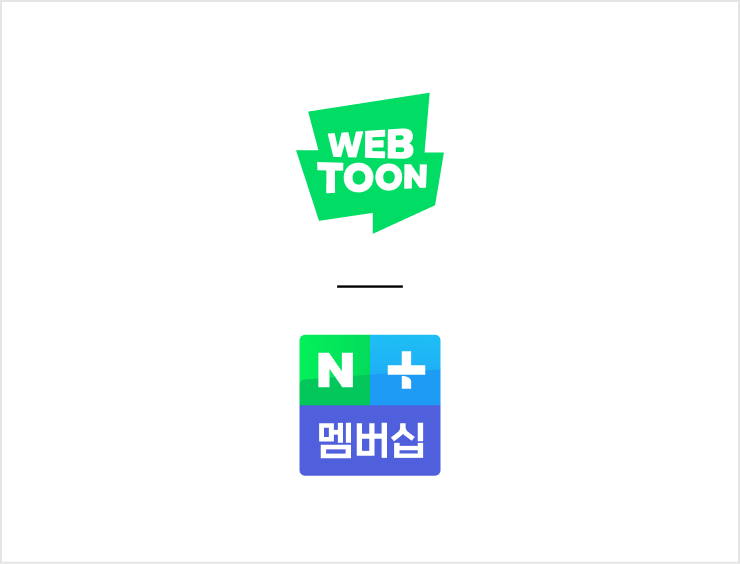
Primary brand logo
Strong logo visibility
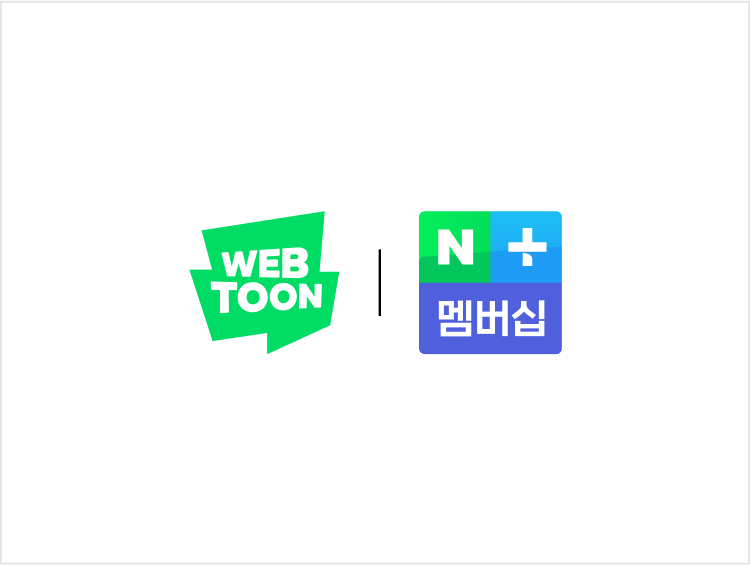
Compliance with basic color rules #1
Compliance with basic color rules #2

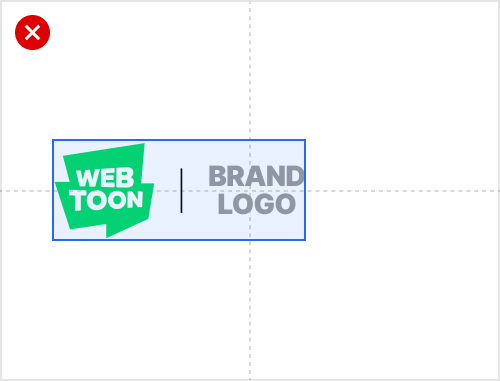
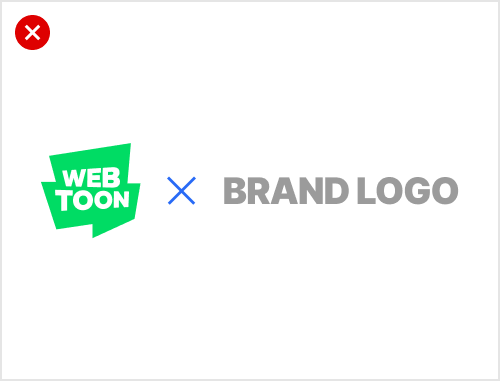
1. Horizontal Type
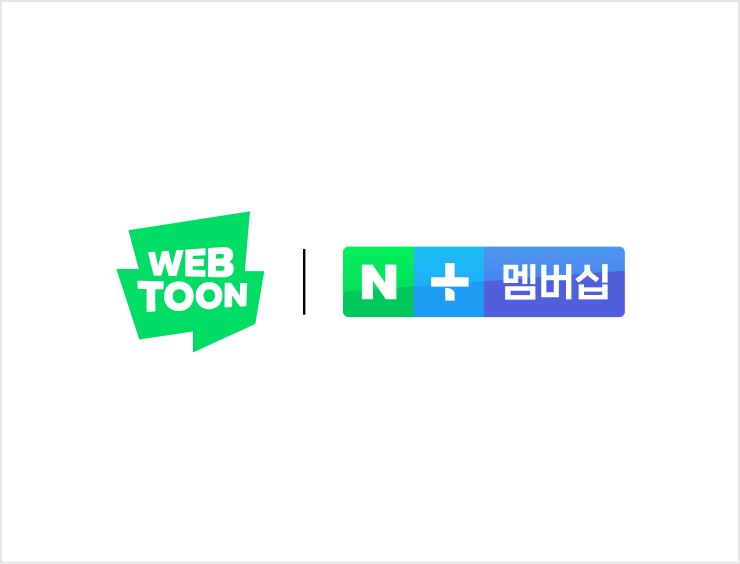
Structure

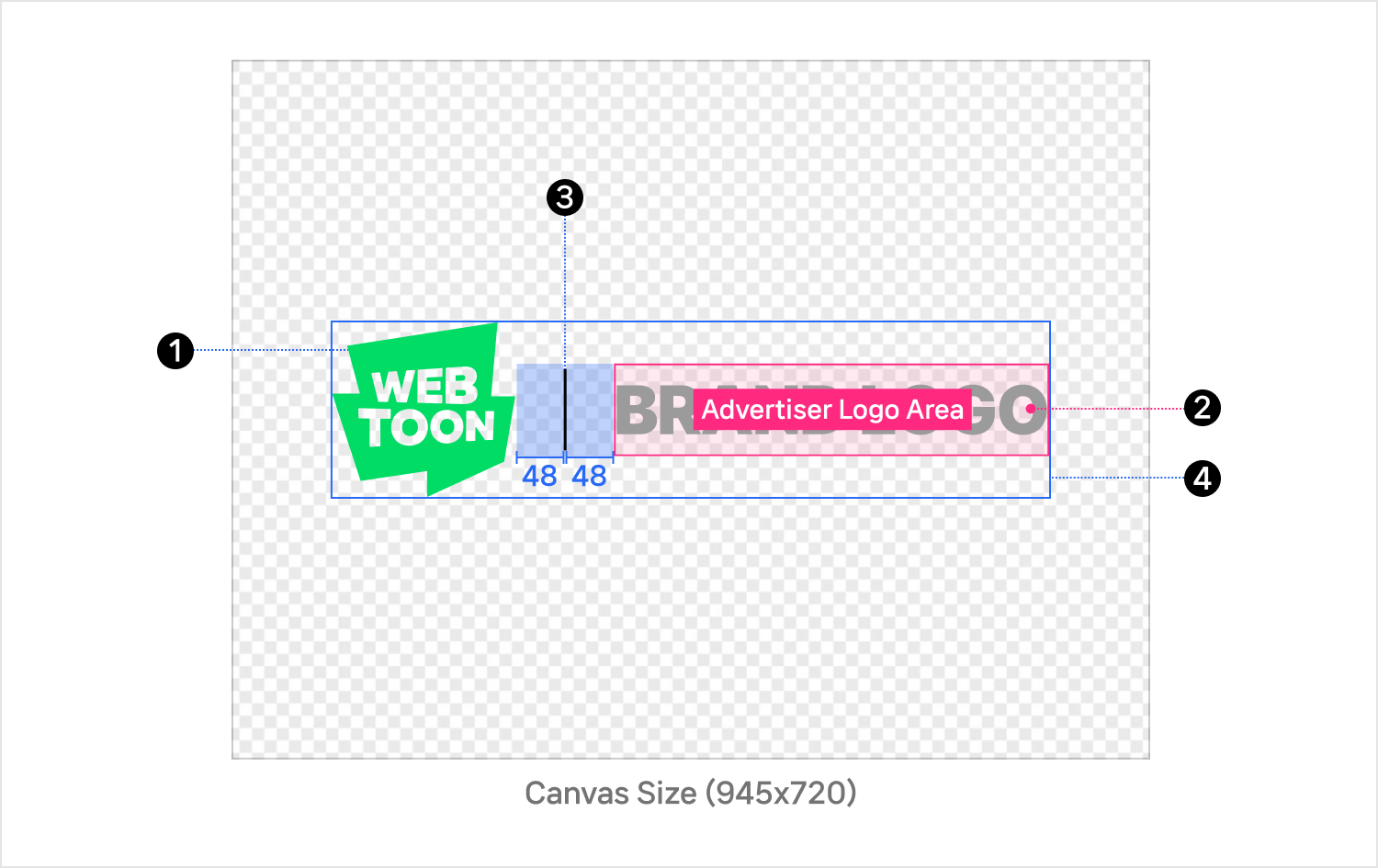
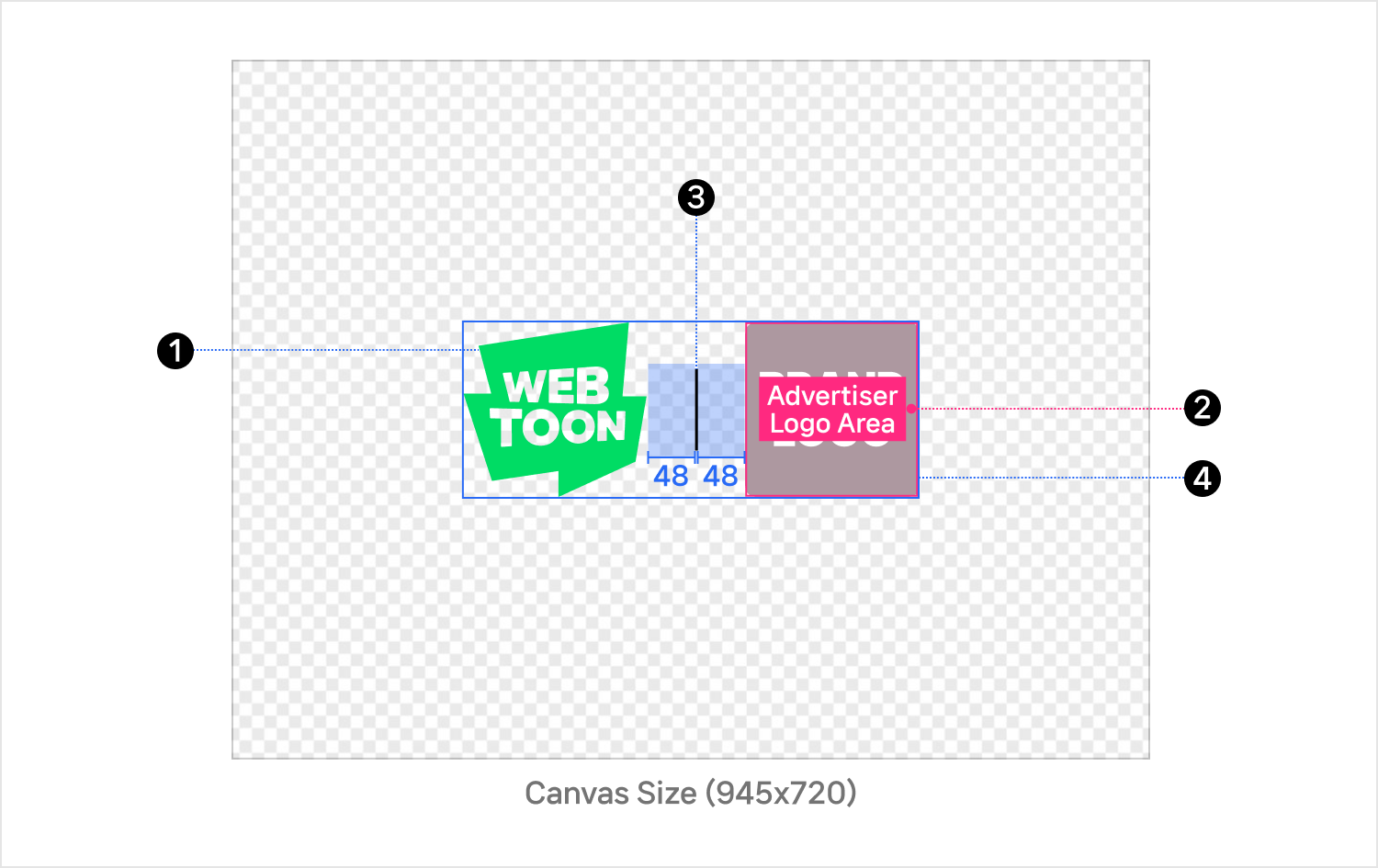
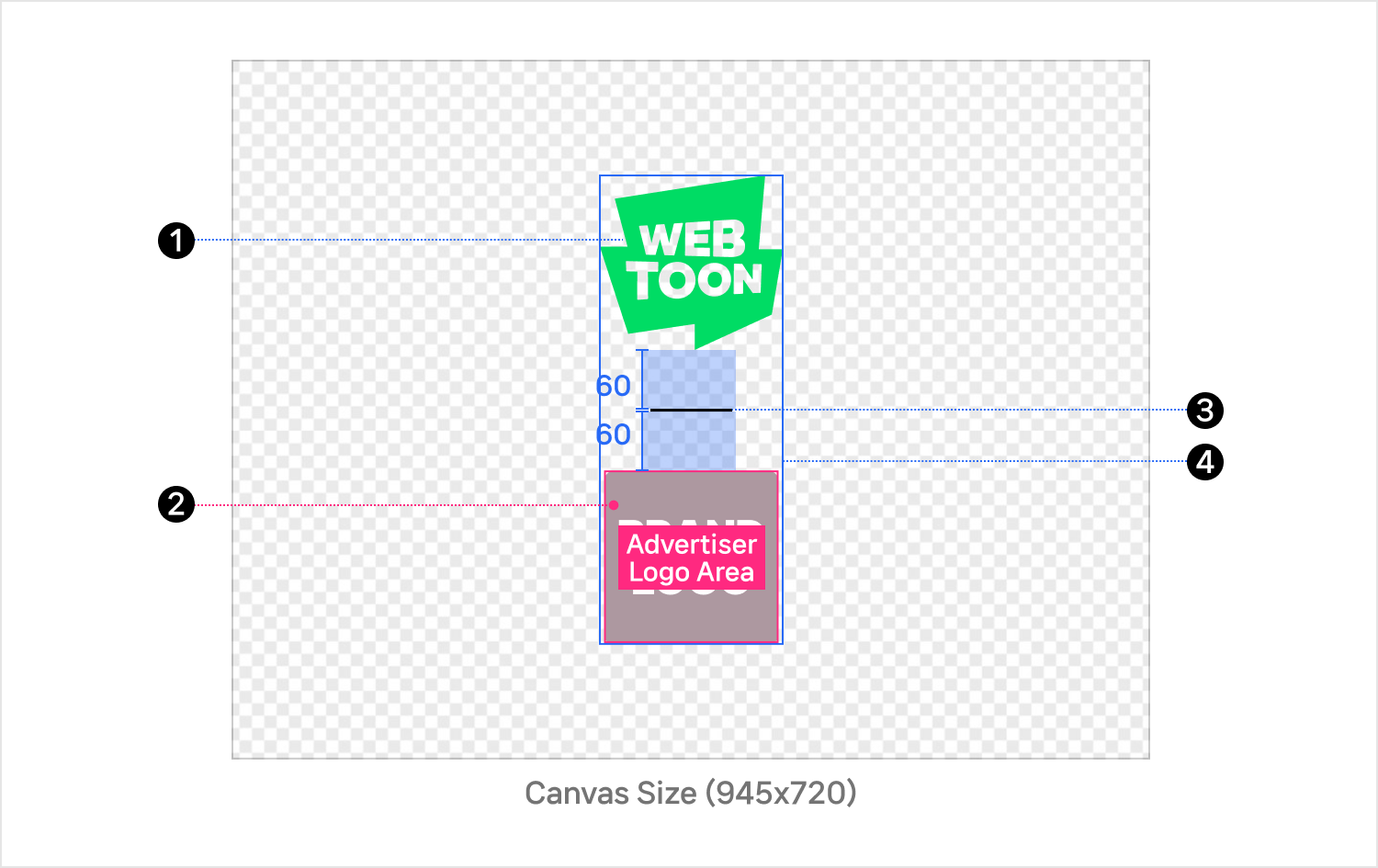
1. WEBTOON Logo

  • 190x182 px (locked)

  • The green WEBTOON logo must be used if the advertiser’s logo is colored,.

  • The green WEBTOON logo should be preferably used even if the advertiser’s logo is either white or black; however, in consideration of visibility against the background, it is possible to use the WEBTOON logo of the same color as the advertiser’s logo.

  • Unauthorized modification/distortion/transformation of the original logo is prohibited—the logo has to be used in its original form at all times.

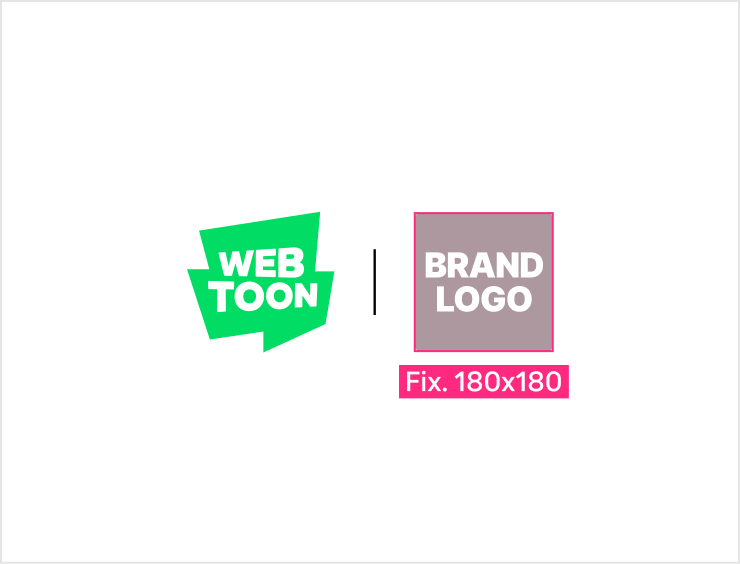
2. Advertiser Logo Area

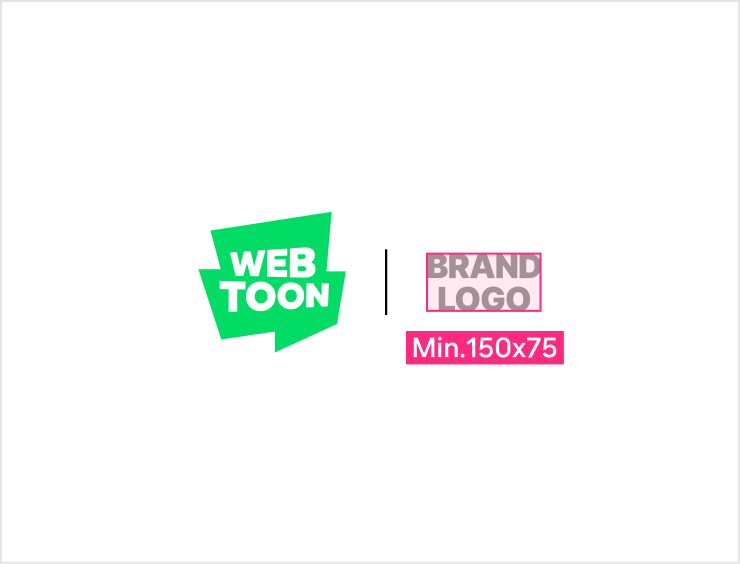
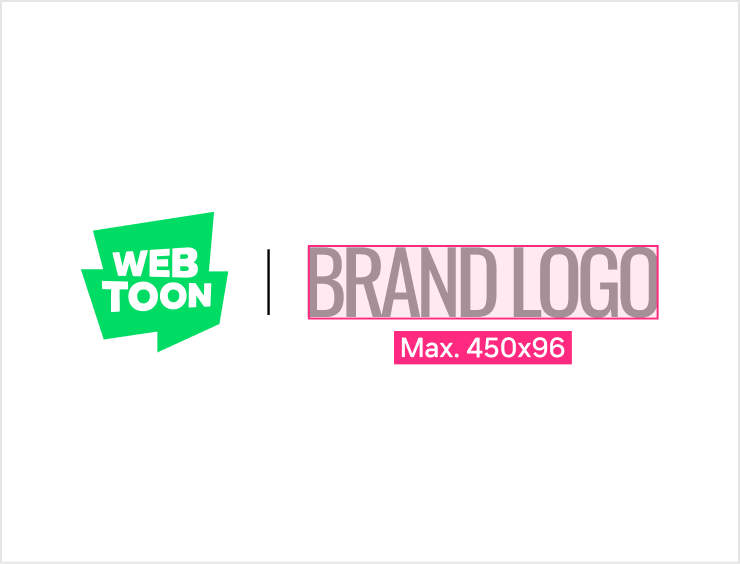
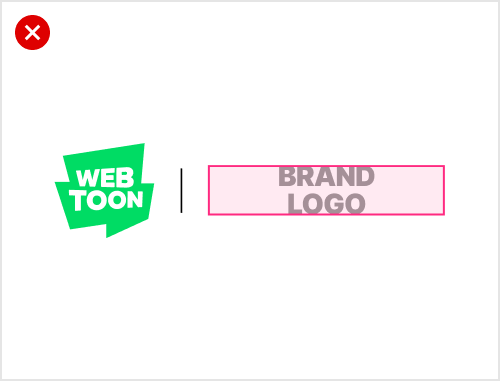
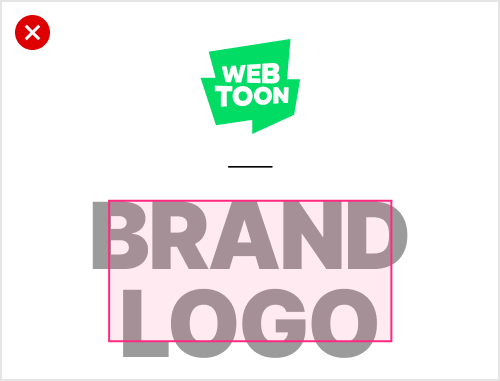
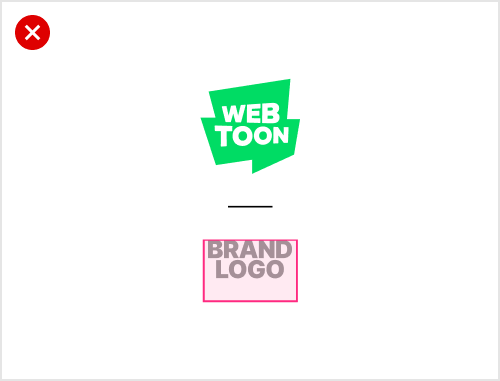
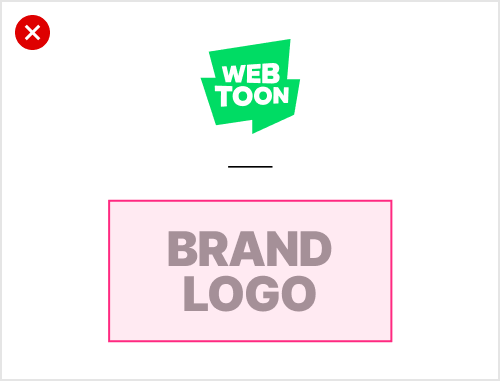
  • Minimum dimensions: 150x75 px, maximum dimensions: 450x96 px

  • Please place your logo within this range.

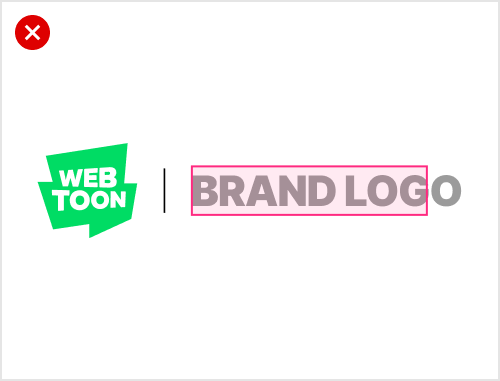
  • Please align your logo on the left side of the advertiser logo area without any margin.

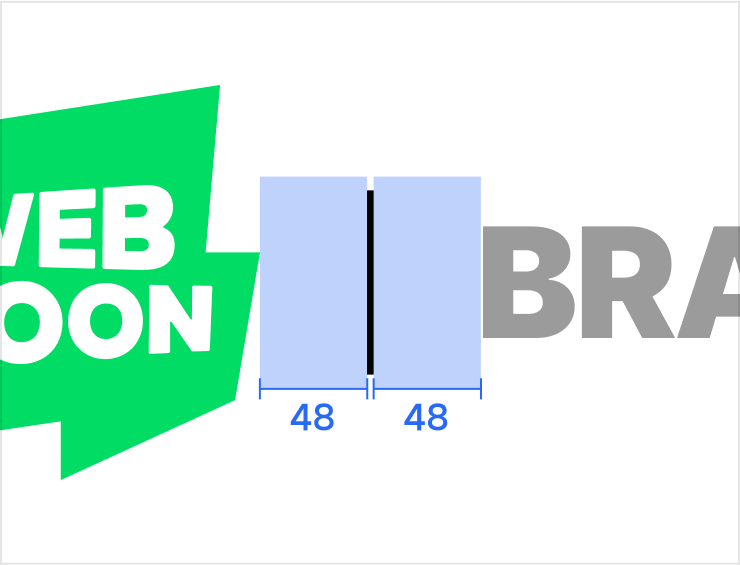
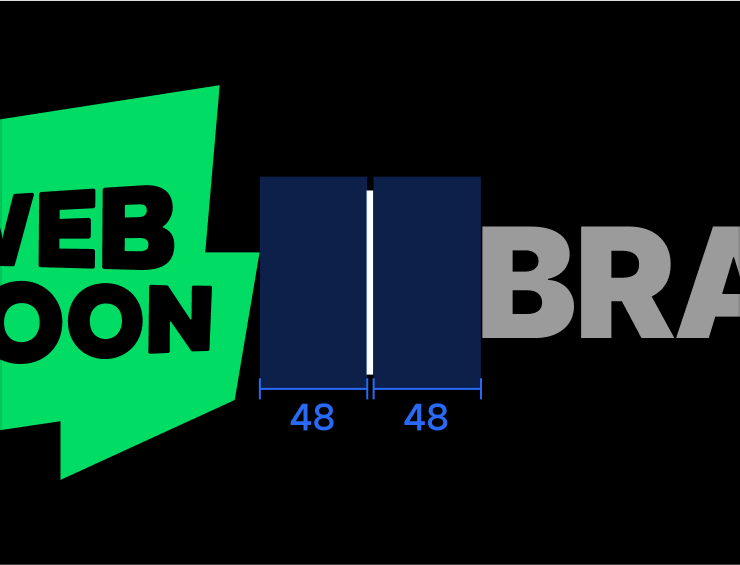
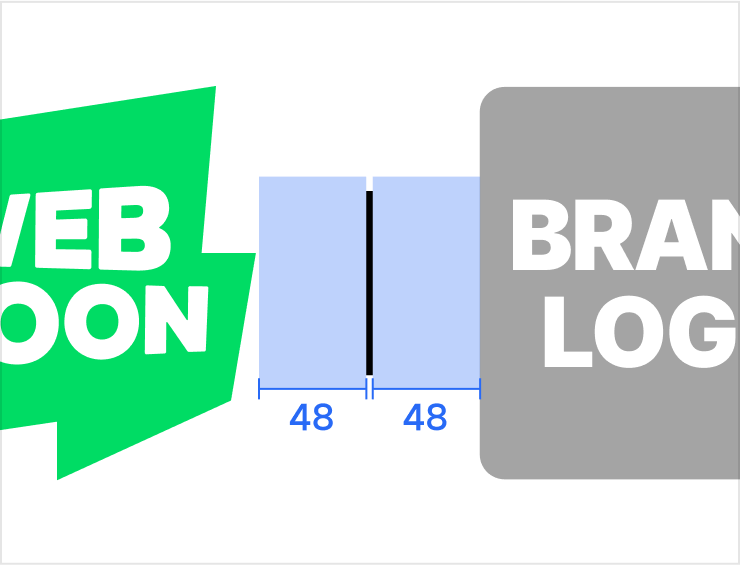
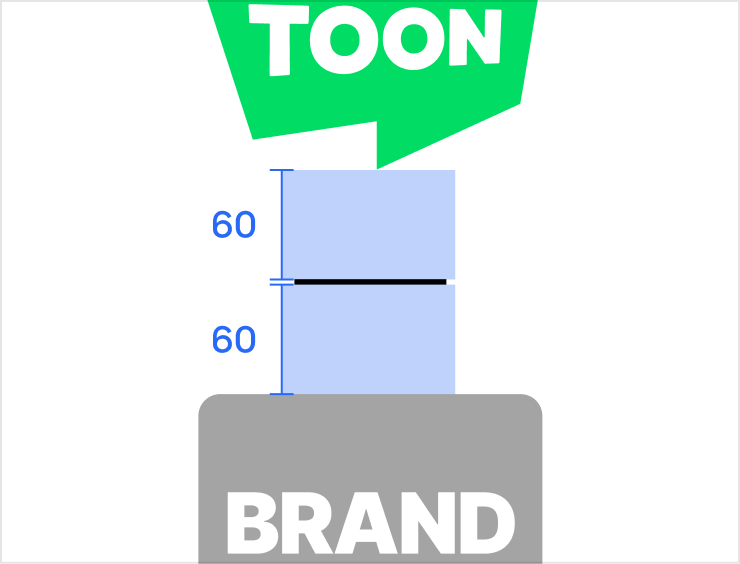
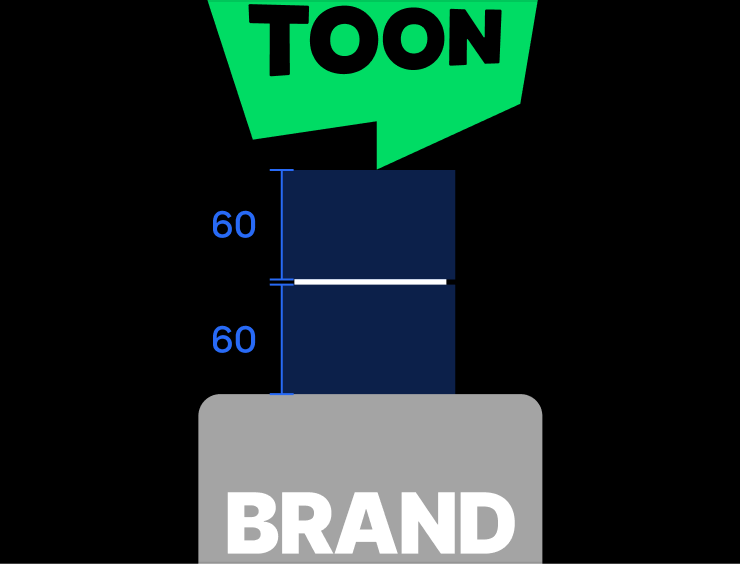
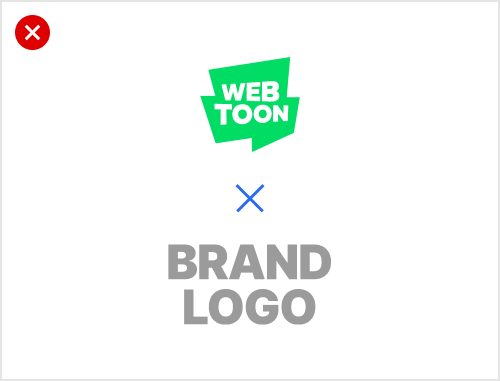
3. Divider

  • 3x84 px (locked)

  • The divider should be placed between the WEBTOON logo and the advertiser logo.

  • Only white or black colors with 50% opacity are allowed.

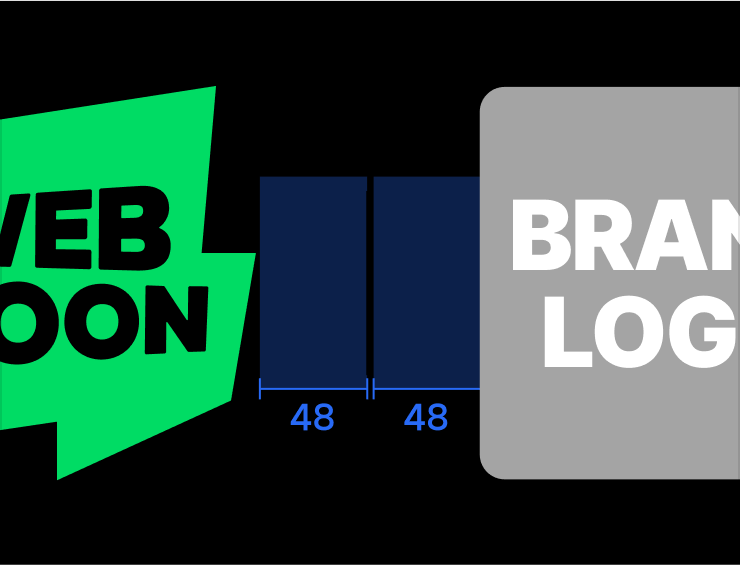
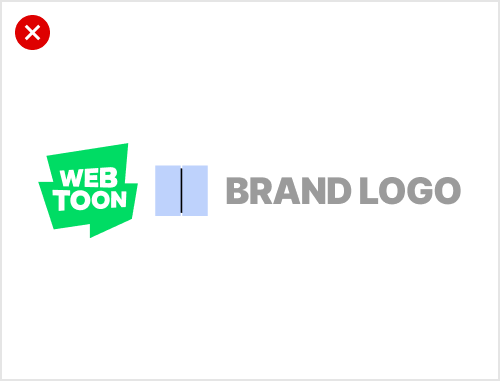
  • The left and right margin for the divider is locked at 48px respectively, and may not be altered in any circumstances.

  • The divider provided by WEBTOON should be used in its original form at all times and may not be altered in any way.

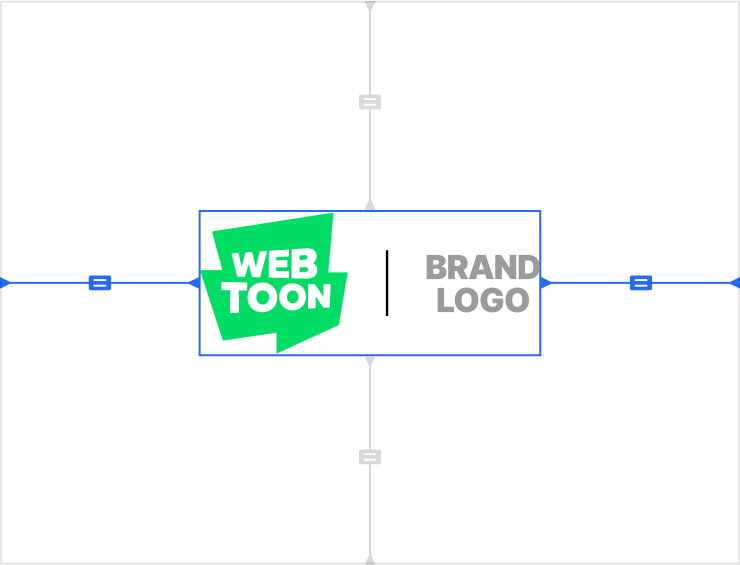
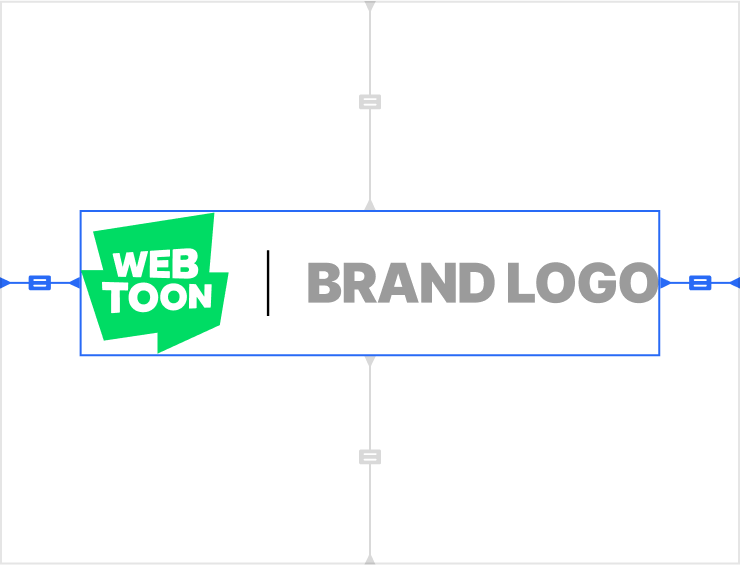
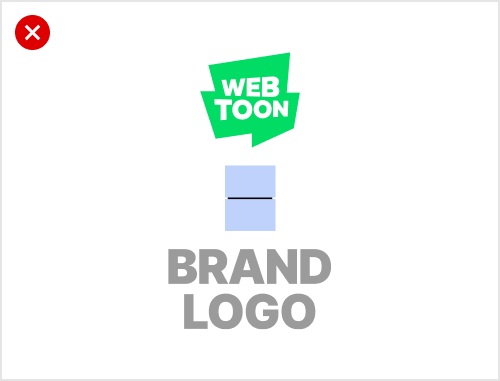
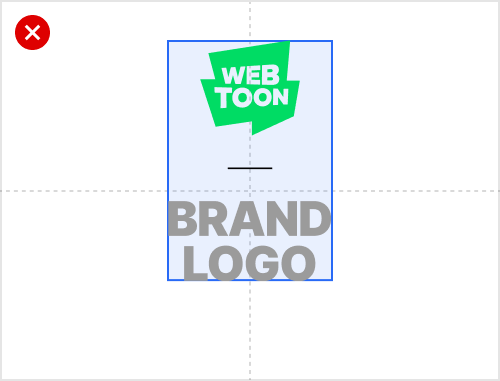
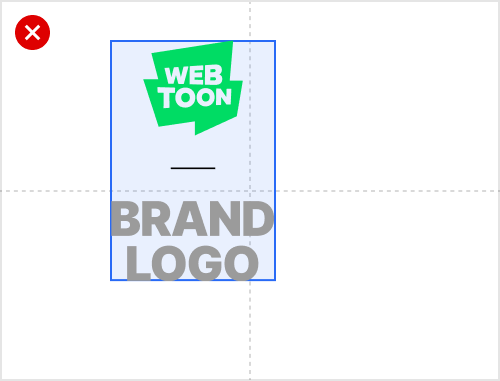
4. Logo Group

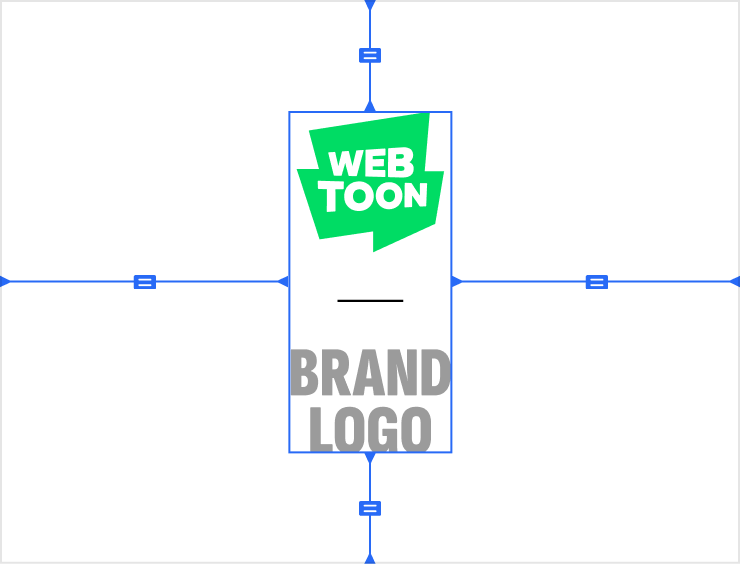
  • A logo group consists of the WEBTOON logo, the advertiser logo and a divider.

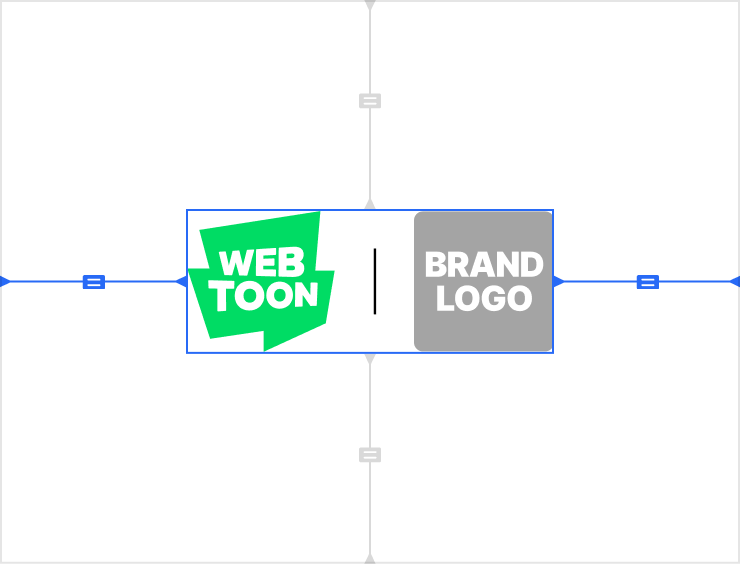
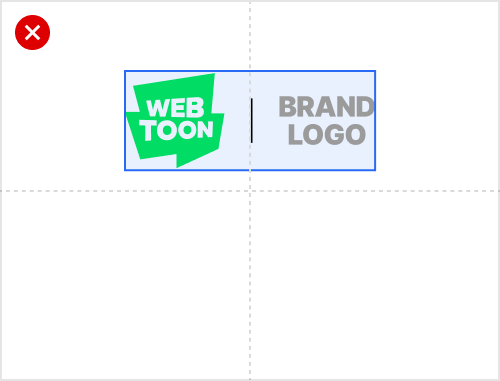
  • The logo group, once complete, should be aligned at the horizontal and vertical center of the canvas.

  • Please check whether the entire logo group is aligned at the center.

Image examples

2. Vertical Type
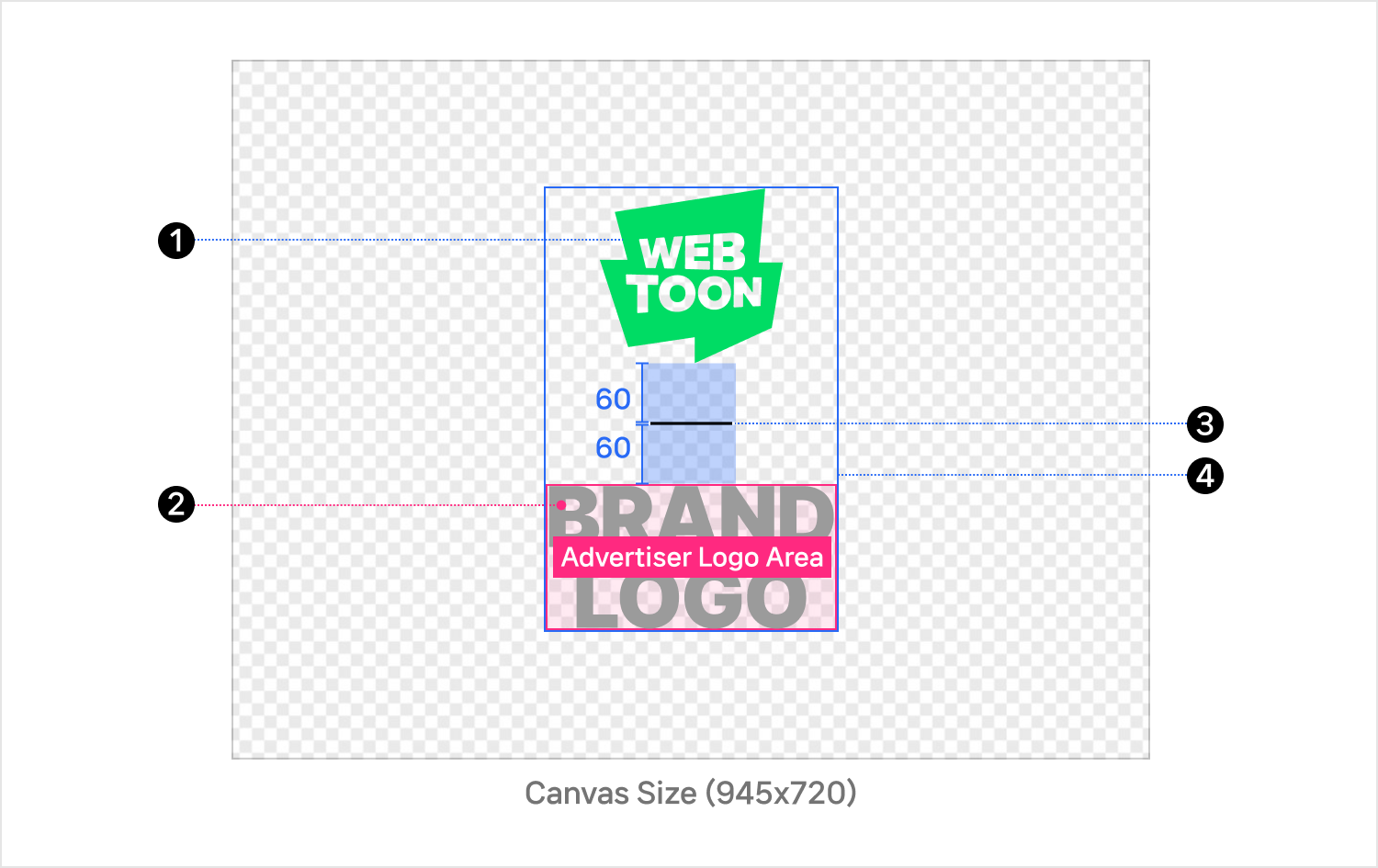
Structure

1. WEBTOON Logo

  • 190x182 px (locked)

  • The green WEBTOON logo must be used if the advertiser’s logo is colored,.

  • The green WEBTOON logo should be preferably used even if the advertiser’s logo is either white or black; however, in consideration of visibility against the background, it is possible to use the WEBTOON logo of the same color as the advertiser’s logo.

  • Unauthorized modification/distortion/transformation of the original logo is prohibited—the logo has to be used in its original form at all times.

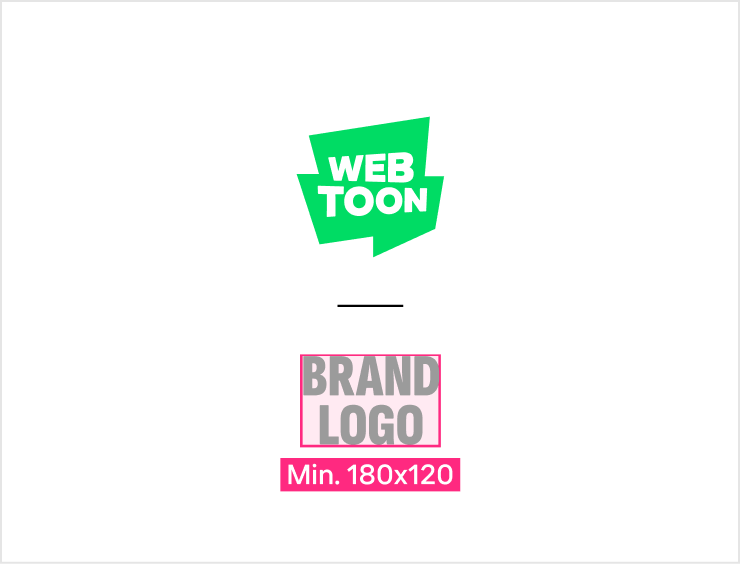
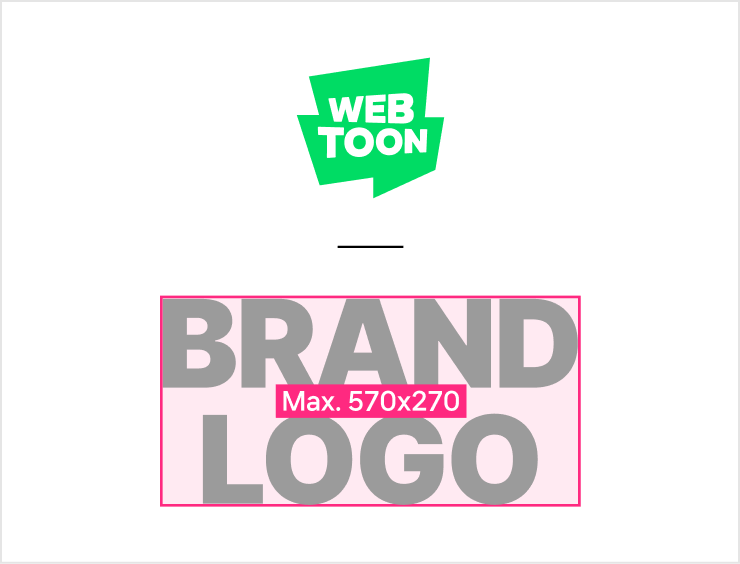
2. Advertiser Logo Area

  • Minimum dimensions: 180x120 px, Maximum dimensions: 570x270 px

  • Please place your logo within this range.

  • Please align your logo to the top of the advertiser logo area without any margin.

  • Please resize the advertiser logo to match the scale of the WEBTOON logo for visual balance and harmony.

3. Divider

  • 84x3 px (locked)

  • The divider should be placed between the WEBTOON logo and the advertiser logo.

  • Only white or black colors with 50% opacity are allowed.

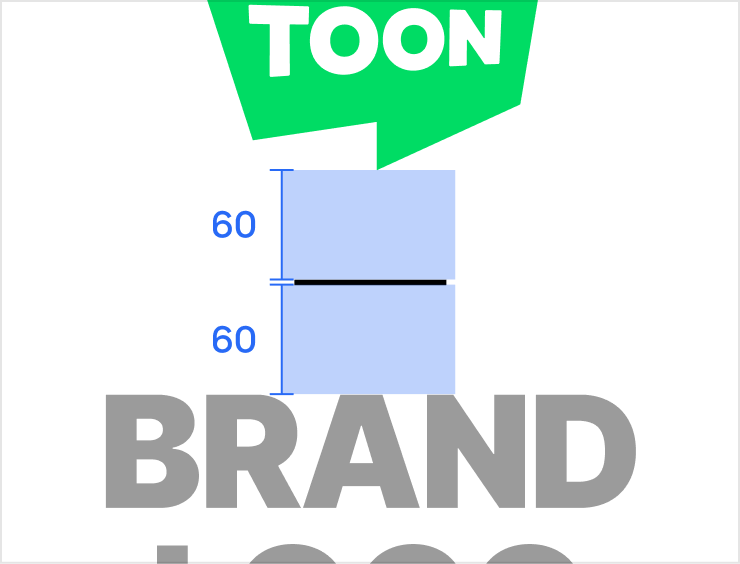
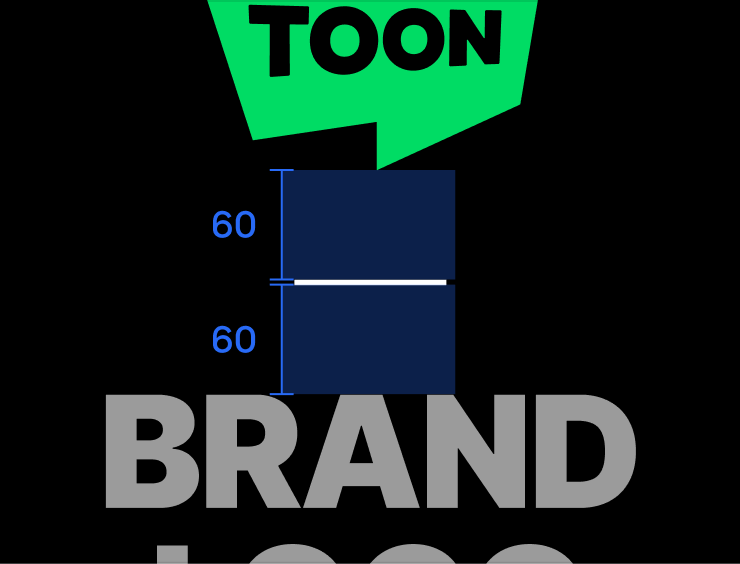
  • The left and right margin for the divider is locked at 60px respectively, and may not be altered in any circumstances.

  • The divider provided by WEBTOON should be used in its original form at all times and may not be altered in any way.

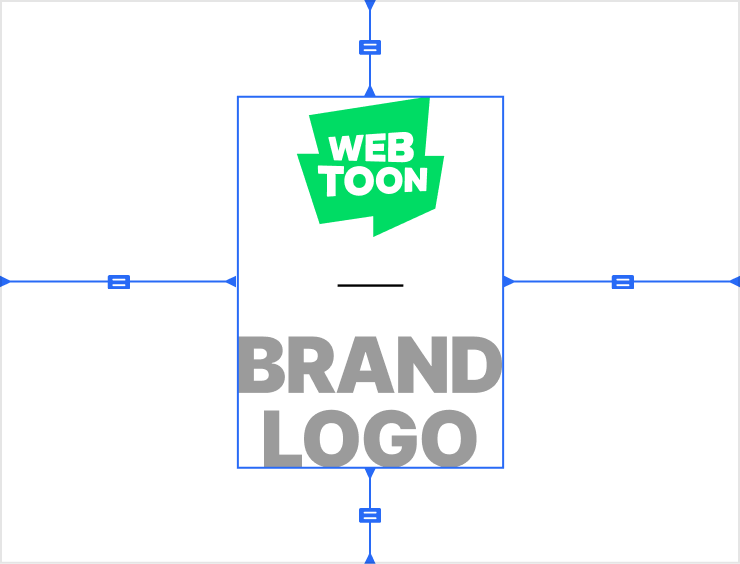
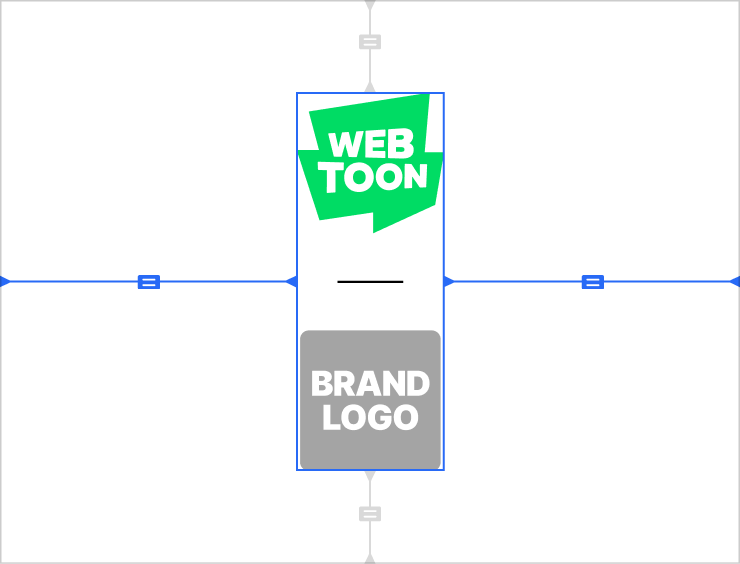
4. Logo Group

  • A logo group consists of the WEBTOON logo, the advertiser logo and a divider.

  • The logo group, once complete, should be aligned at the horizontal and vertical center of the canvas.

  • Please check whether the entire logo group is aligned at the center.

Image examples

3. WEBTOON Standalone Type
Detailed Production Guide for Bottom AD Image
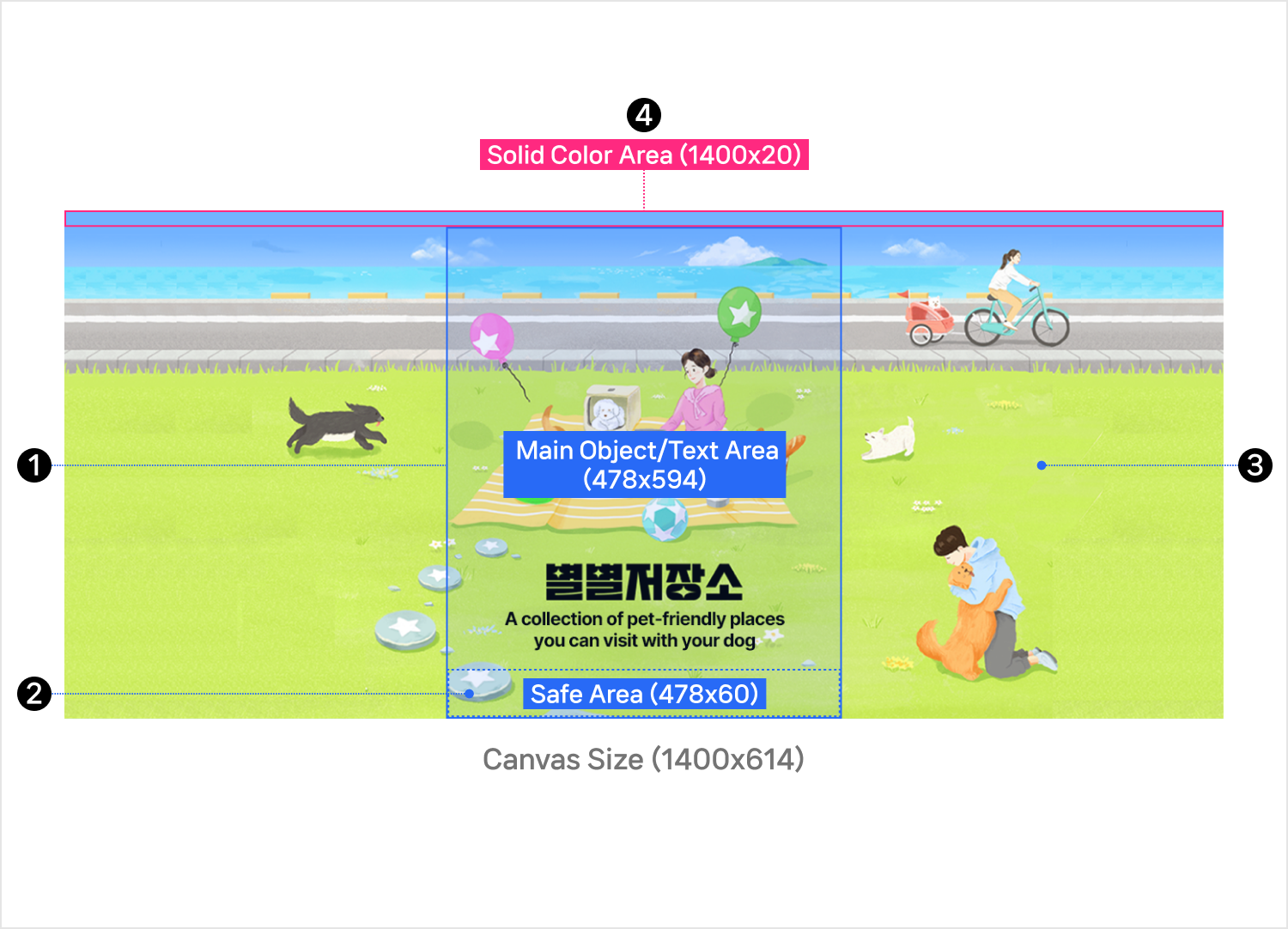
Structure

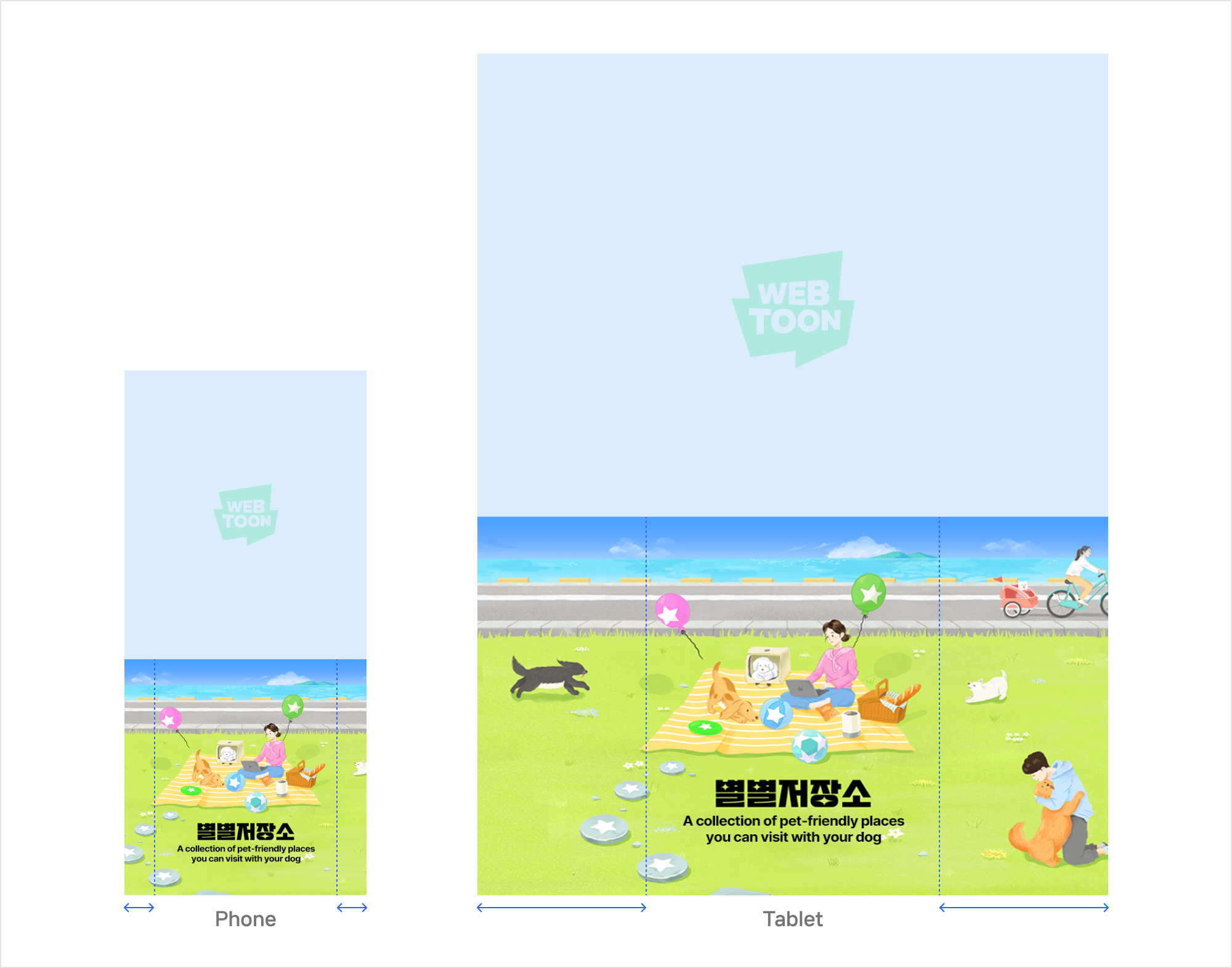
Actual display example

1. Main Object/Text Area

  • 478x594 px

  • Place key objects and text in the center, as this is the area of the image visible to users.

1) Objects

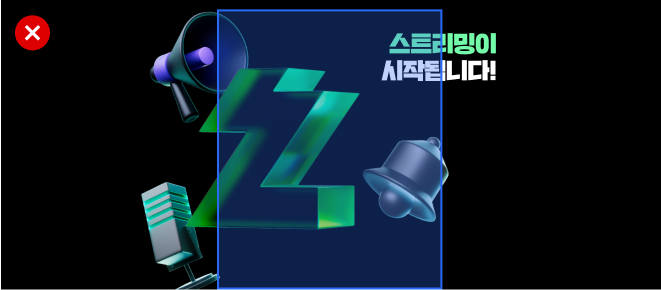
  • If an object extends beyond the designated area, its full shape must remain visible without being cut off.

  • Clickbait elements such as “button-like” shapes are not allowed.

  • The advertiser logo used in the top logo asset must not be used again.

2) Text design and placement

  • Center alignment of text is recommended.

  • Use no more than two fonts.

  • Use no more than two font colors.

  • The main message of the ad must be immediately recognizable.

  • Fonts outside the designated options may not be used, including script-style fonts that compromise readability.

  • Text should be arranged to complement both the ad image and the background color.

3) Recommended fonts

  • A sans-serif font is recommended as brand fonts.

  • Licenses must be secured for all fonts used, including those recommended or cited as examples in the guideline.

Language
Recommended

EN, ID, FR, DE, ES

Inter Tight, Pretendard, Roboto

TH

Kanit, Noto Sans Thai

ZH-TW

Source Han Sans TW, Noto Sans CJK TC

triangle-exclamation

2. Safe Area

  • 478x60 px

  • The safe area is part of the main object/text area.

  • Text may not be placed in this area, as it may obscure important information.

3. Extension Area

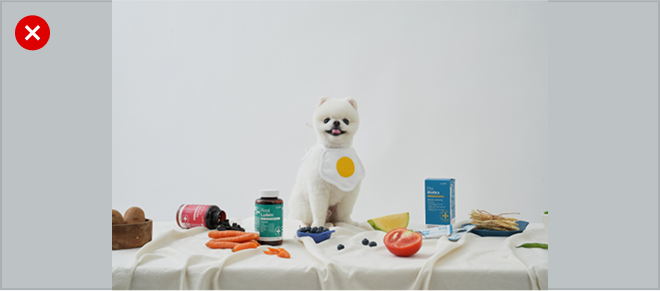
  • The extension area varies depending on device width, so objects and backgrounds in the main object/text area must be designed to connect seamlessly with it.

  • If the background cannot be extended, use gradient techniques to blend it naturally.

    .

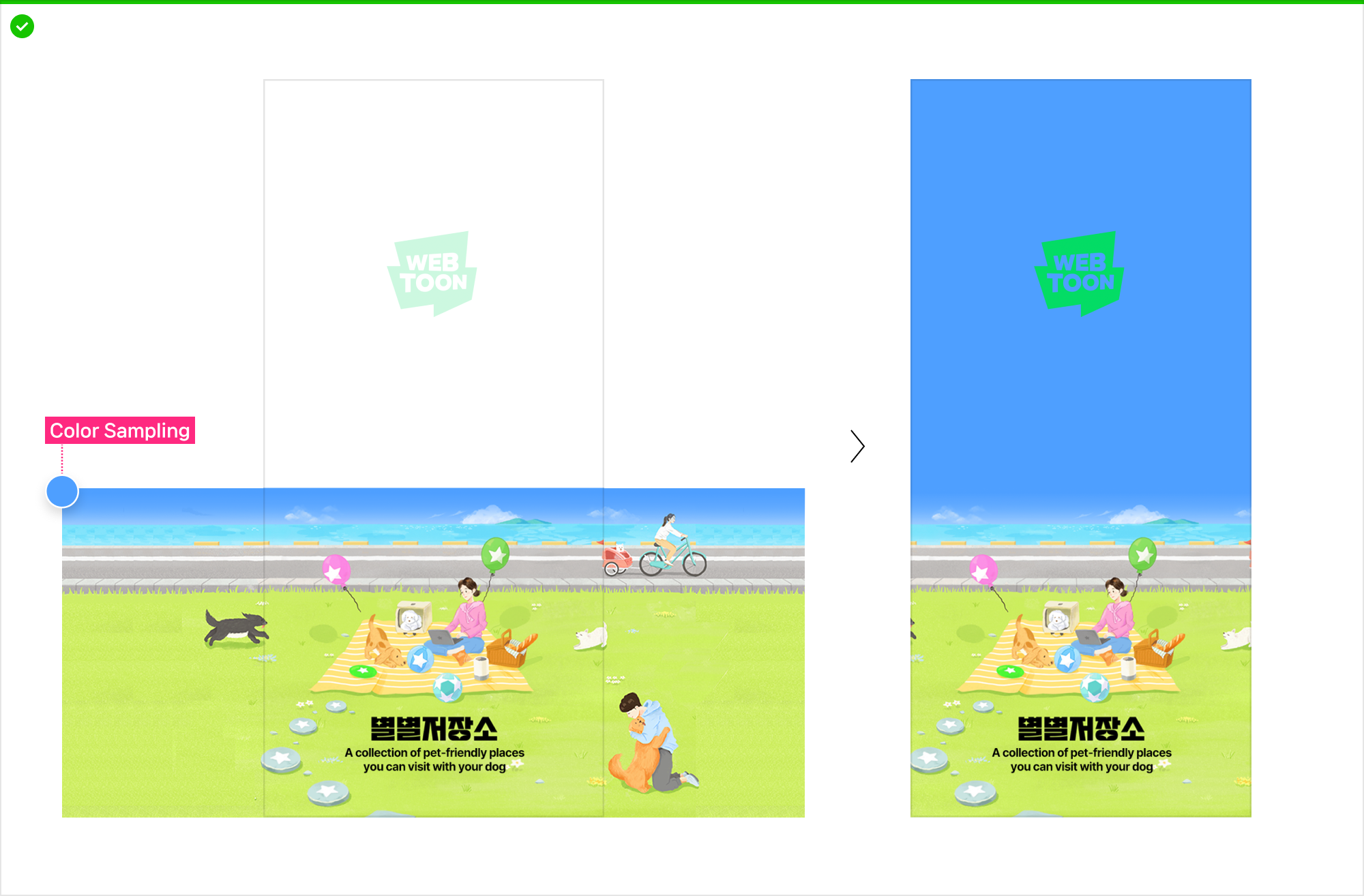
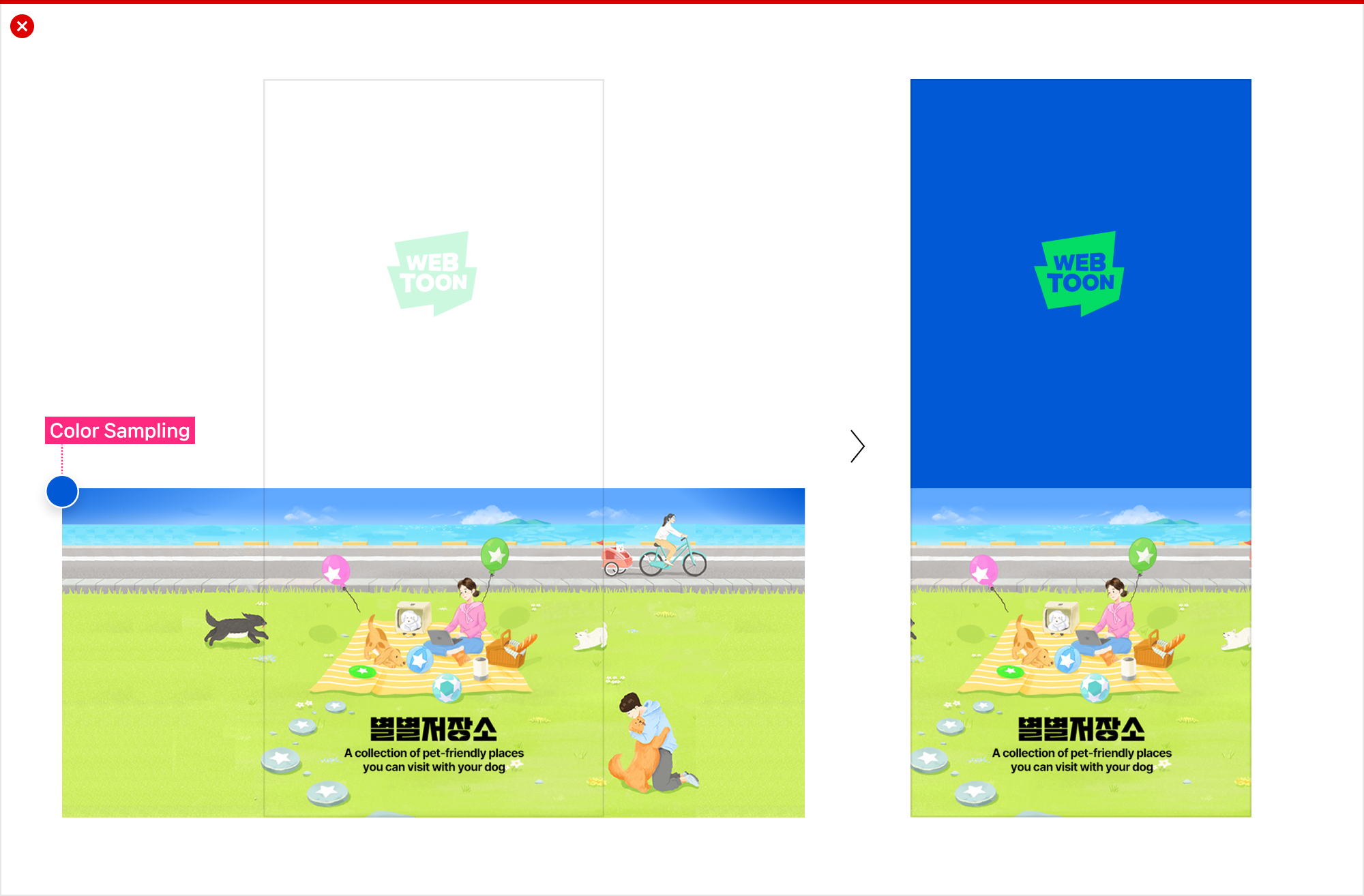
4. Solid Color Area

  • 1400x20 px

  • A single solid color must be used for this area, since the system samples the color to automatically generate a full-screen background.

  • Ensure seamless connection with the main object/text area and the extension area.

Production examples

Detailed Production Guide for Background color


  • Background color values must be provided using #Hex (hex code) format.

  • Set the background color with consideration for both the logo area and the bottom ad image.

  • Avoid excessively high-saturation or fluorescent colors.

  • When using the Photoshop Color Picker, ensure that the sum of Saturation (S) and Brightness (B) does not exceed 160.

Download Guide and Sample PSD

file-archive
16MB
circle-check

Last updated