Viewer-end Video Ad

Placement and Features
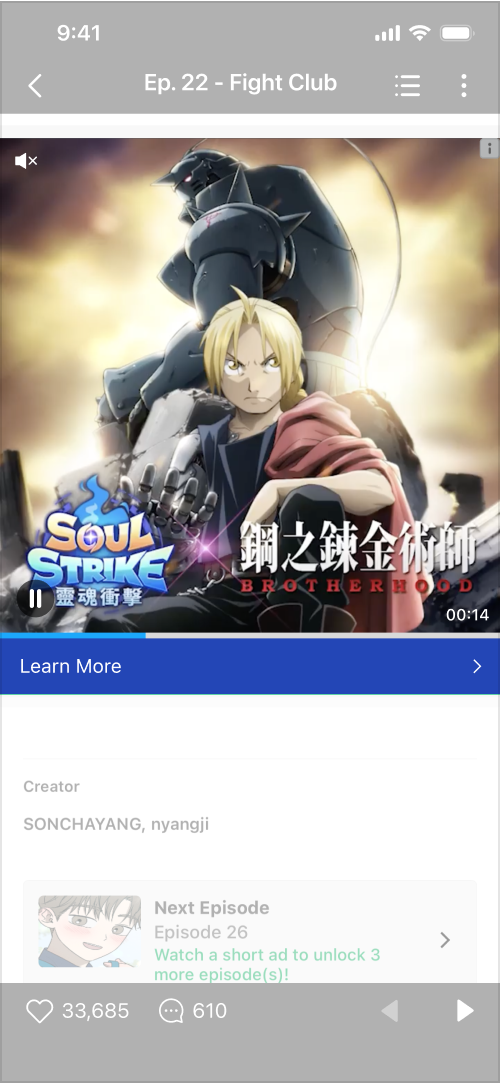
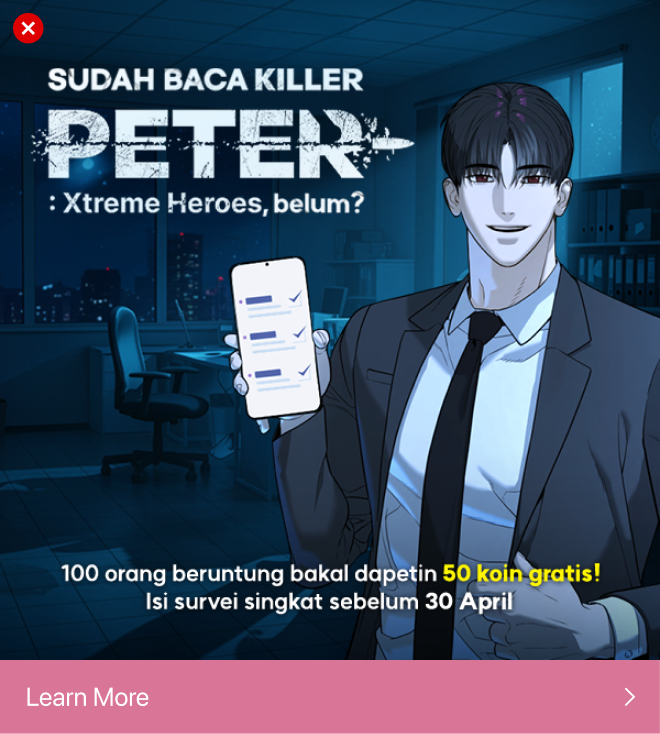
  • On the app, this ad appears full-width at the bottom of an episode.

Required Assets

1:1 Video
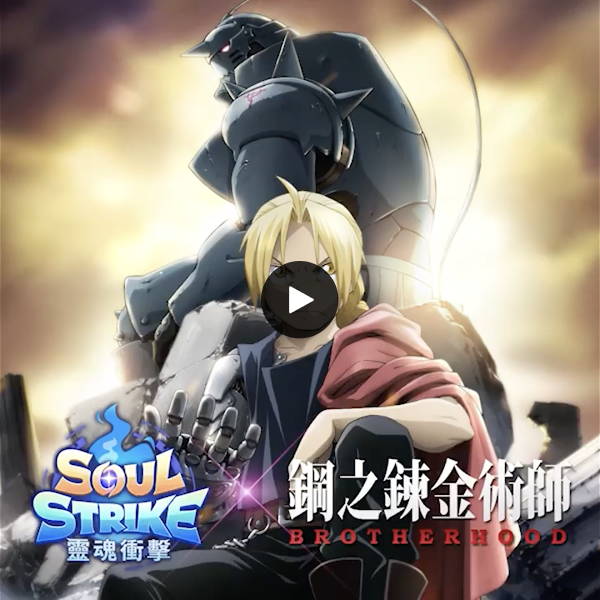
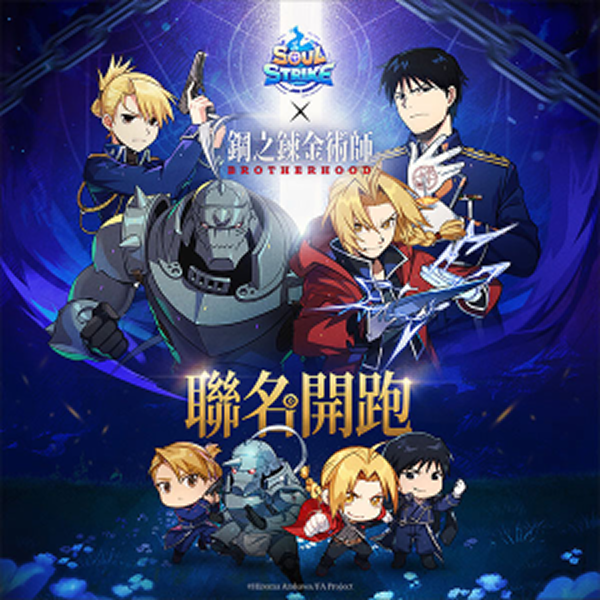
Still Image
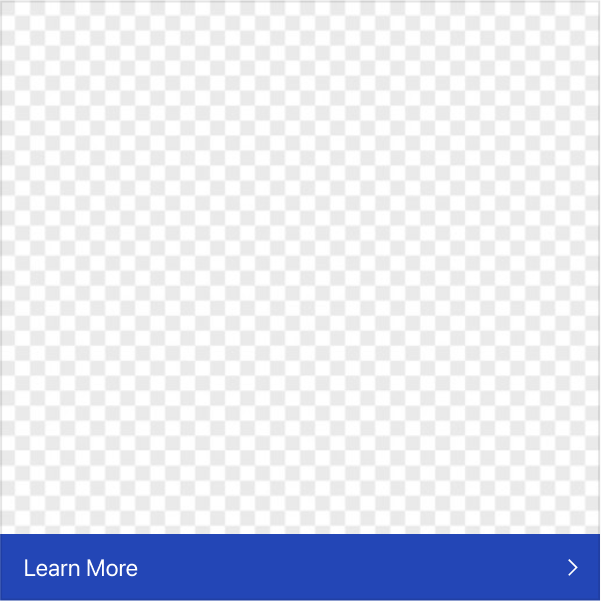
CTA Button
Asset
Dimensions
File Size
File Format
Required Materials

Video

-

Up to 30MB

MOV, MP4, AVI, MKV,FLV

Video source asset with 1:1 aspect ratio, recommended length of 15 sec

Still Image

600x600px

Up to 150KB

JPG, PNG

Main ad creative

CTA Button

-

-

-

Appropriate copy and color settings

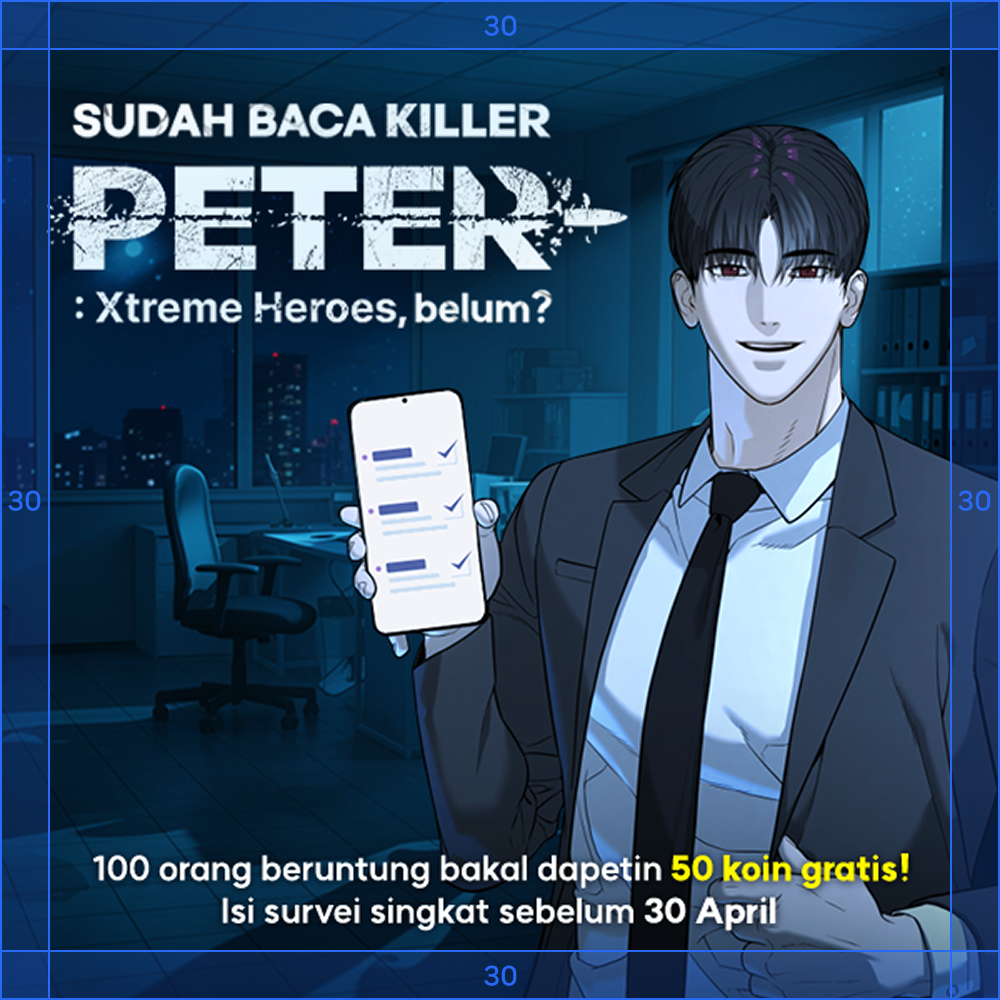
Still Image Production Guide

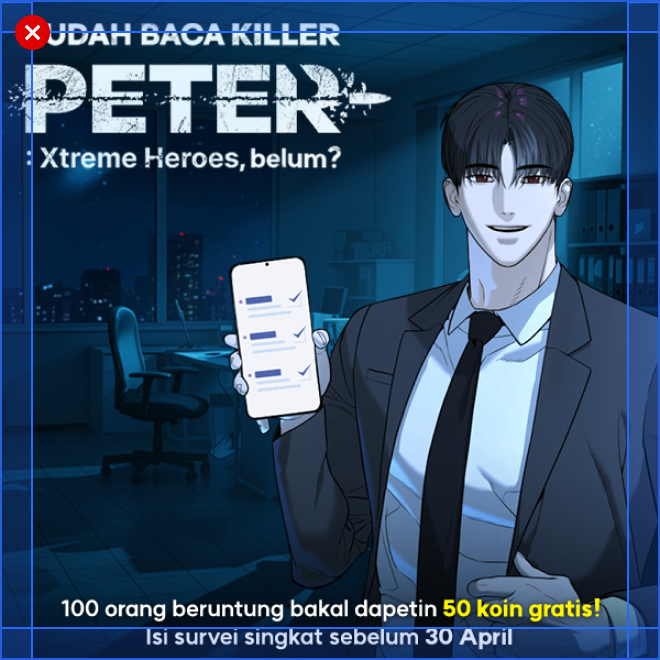
  • 600x600px

  • The text must not extend into the 30 px margins on the top, right, bottom and left sides of the canvas.

  • Buttons may not be used.

  • #FFFFFF, #171717 and any similar shades should not be used as background colors.

  • We recommend setting the brightness value for background colors between15% to 90%, based on the Photoshop Color Picker..

  • Please select key scenes to best capture the essence of the video content or generate excitement.

CTA Button Design Guide

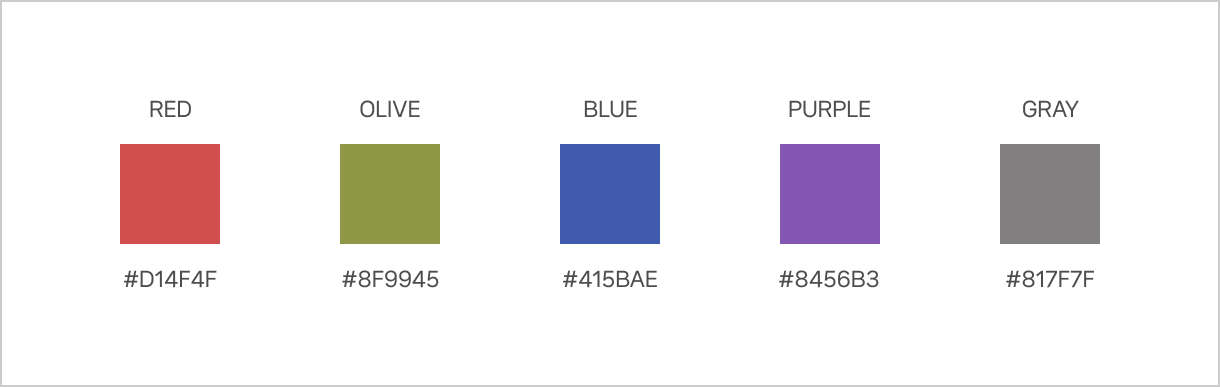
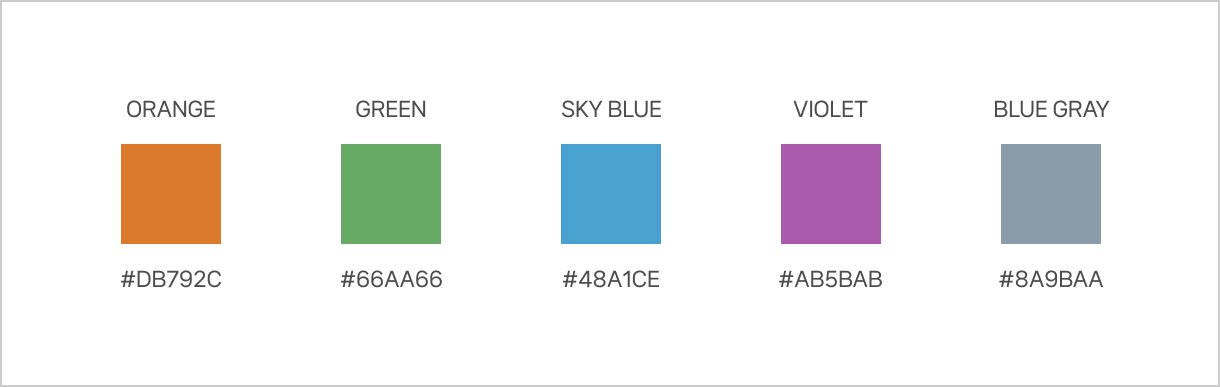
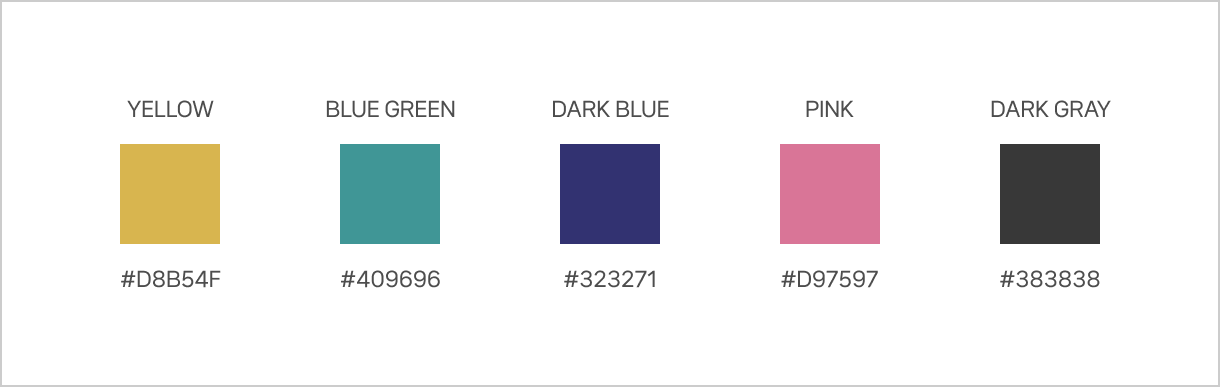
  • When setting up an ad, you may use colors compatible with the ad asset. You may also select an appropriate copy.

  • The copy can be customized and will automatically be displayed to the system.

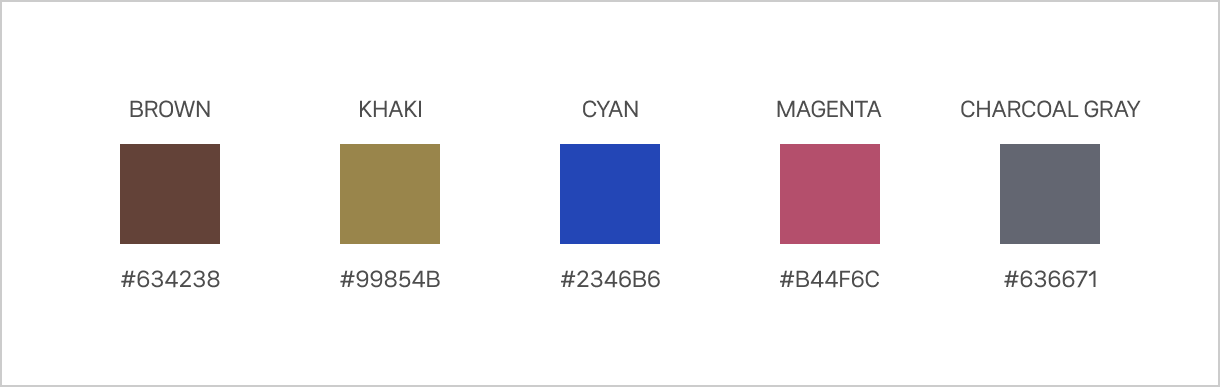
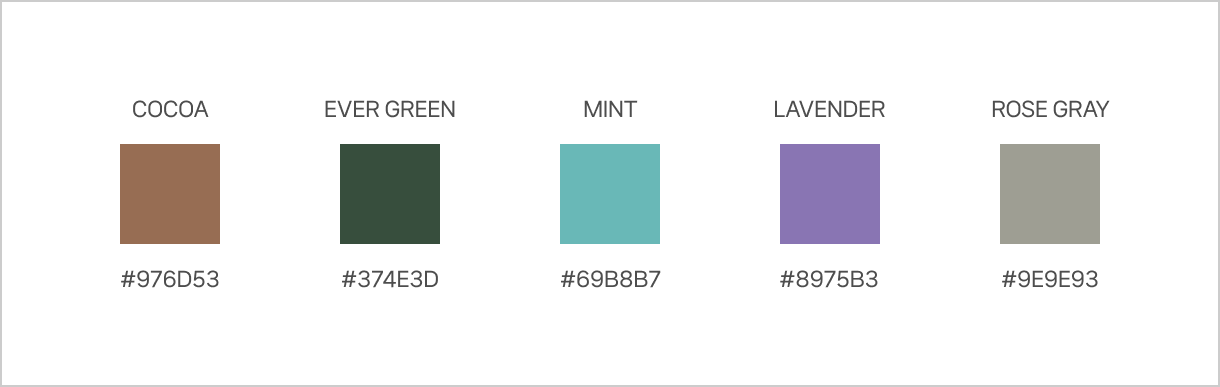
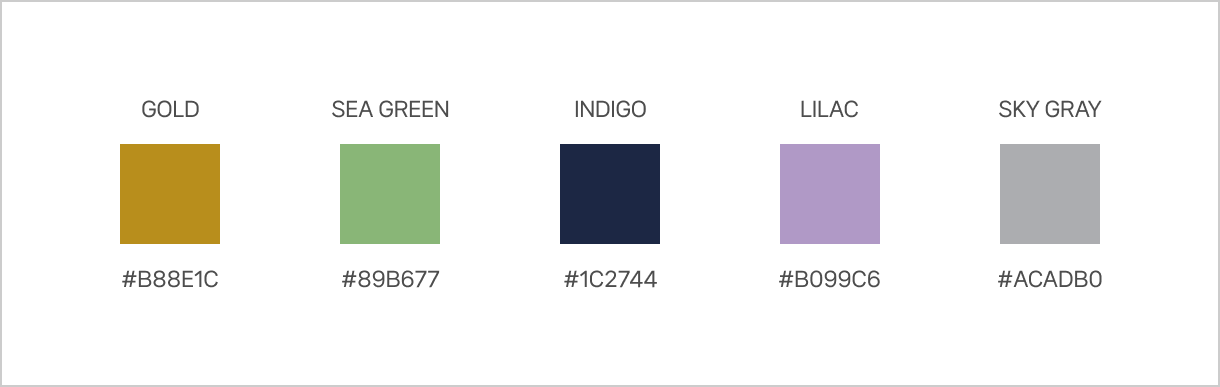
  • All 30 color codes provided are listed below. Please select the color or tone that is most similar to the shades used in the ad asset.

Download Guide and Sample PSD

circle-check

Last updated