Branded Episode (BES)

Placement and Features
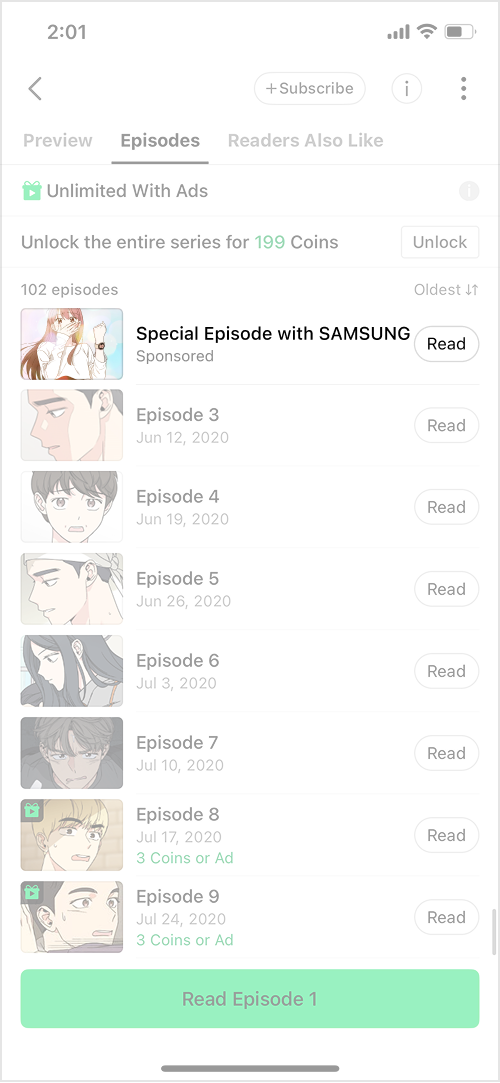
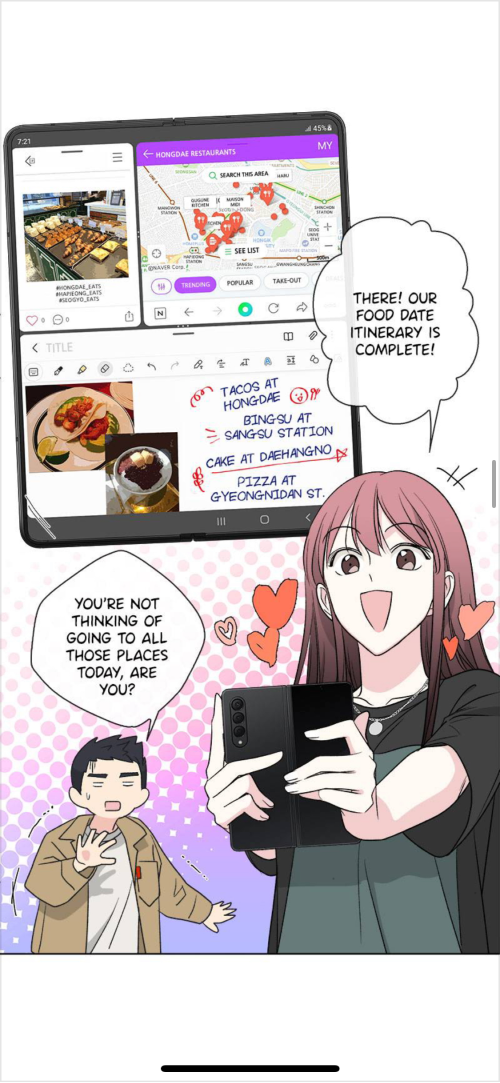
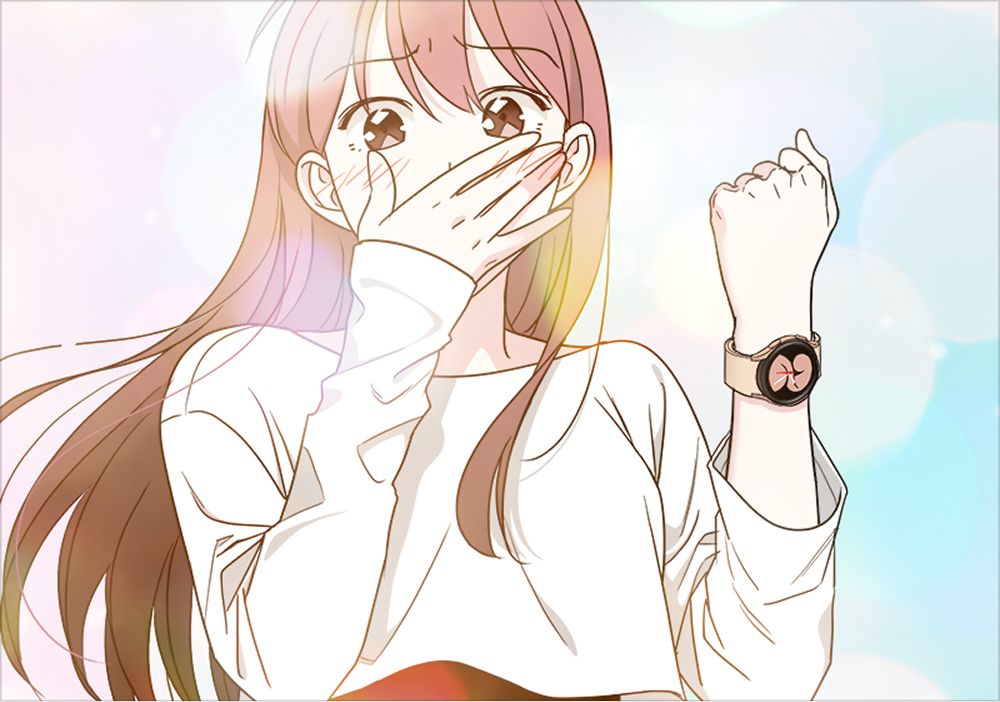
  • During the campaign period, episodes created through collaborations between WEBTOON titles and brands will be permanently displayed as separate episodes at the top of the Series Home.

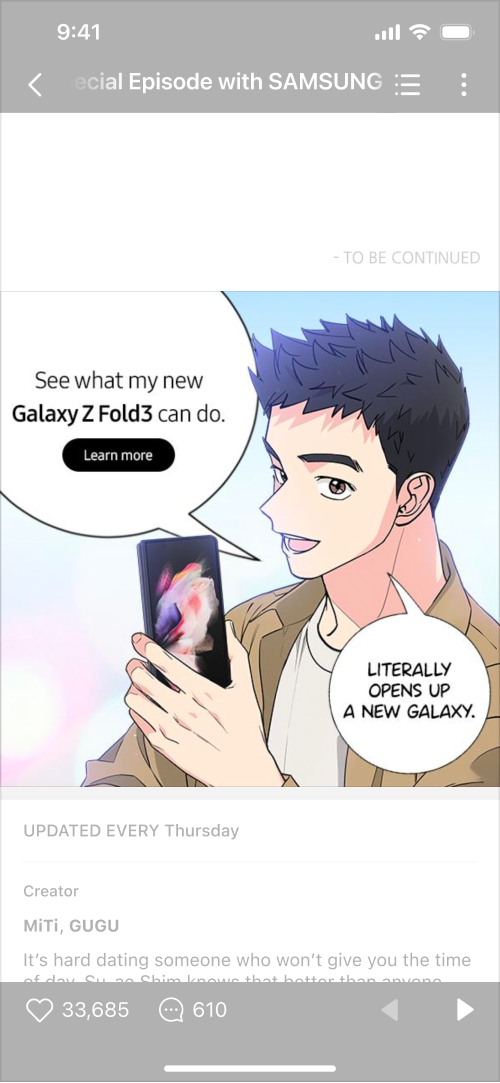
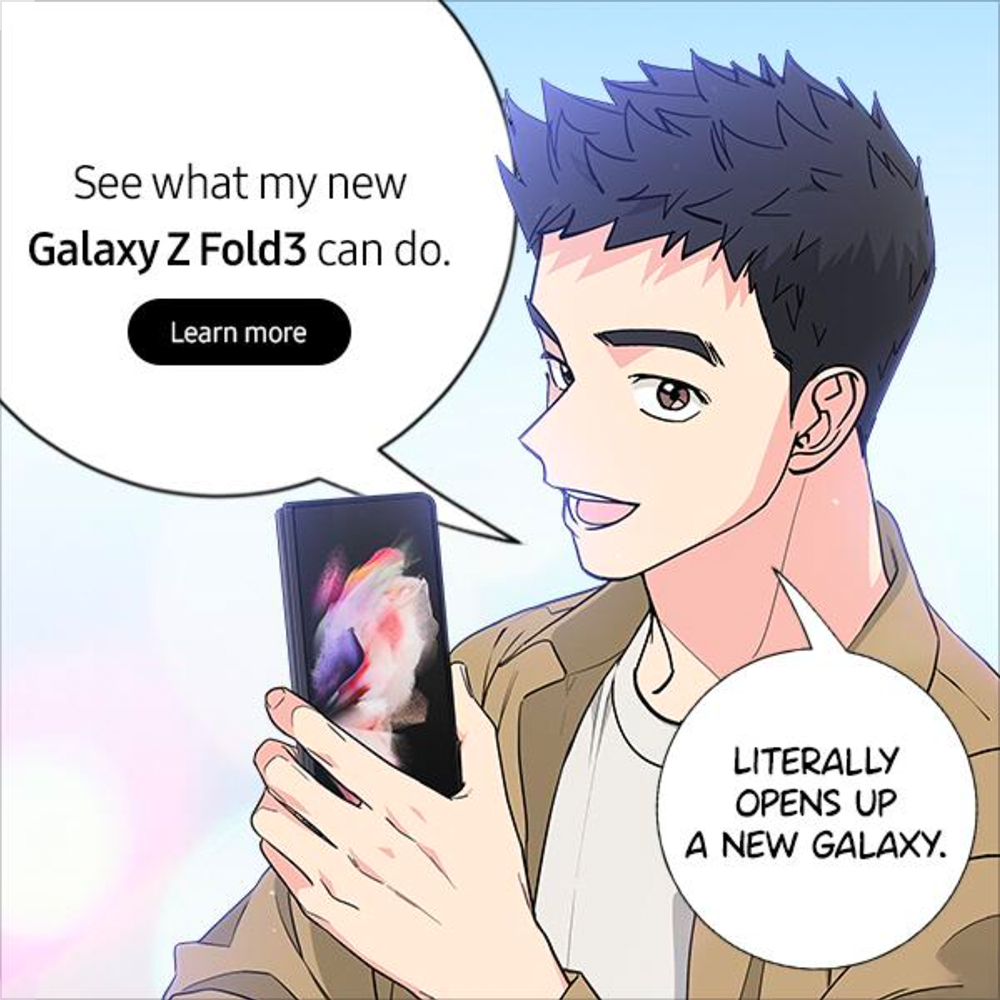
  • There will be a banner located at the bottom of the viewer that brings users to the external ad link.

  • High user engagement is anticipated given the familiar characters and plot for existing readers.

Listed at the top of the Episode List
Branded Episode (BES)
Viewer-end Ad

Required Assets

  • Please submit in PSD and JPG format, as the creator must produce the assets.

Branded Episode (BES), Viewer-end Ad, Episode Thumbnail
Asset
Dimensions
Resolution
File Format
File Size
Required Asset

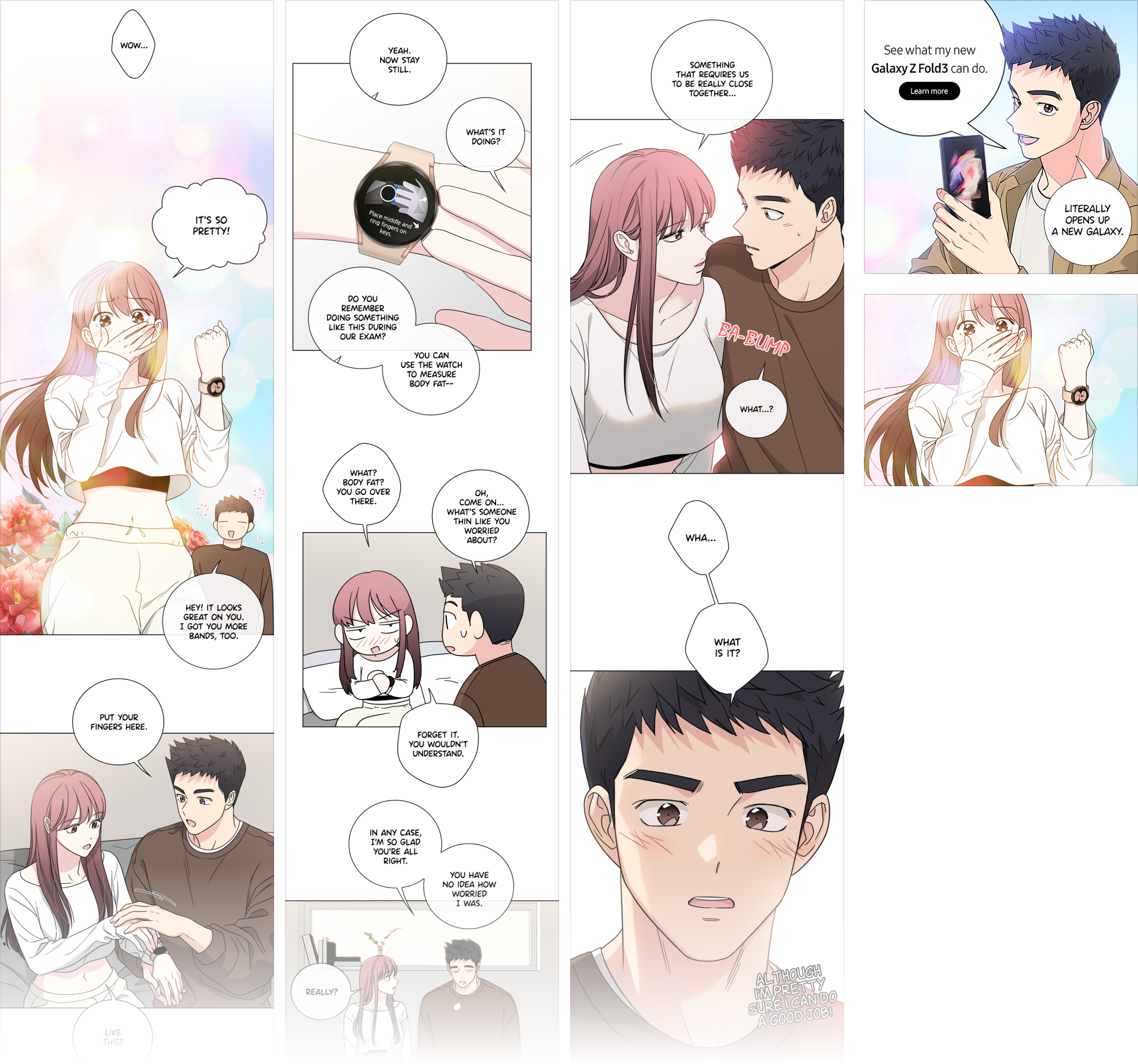
Branded Episode (BES)_Manuscript

Width: 800px Height: No limit

300 dpi

PSD, Clip Studio

-

Minimum of 40 to maximum of 60 panels

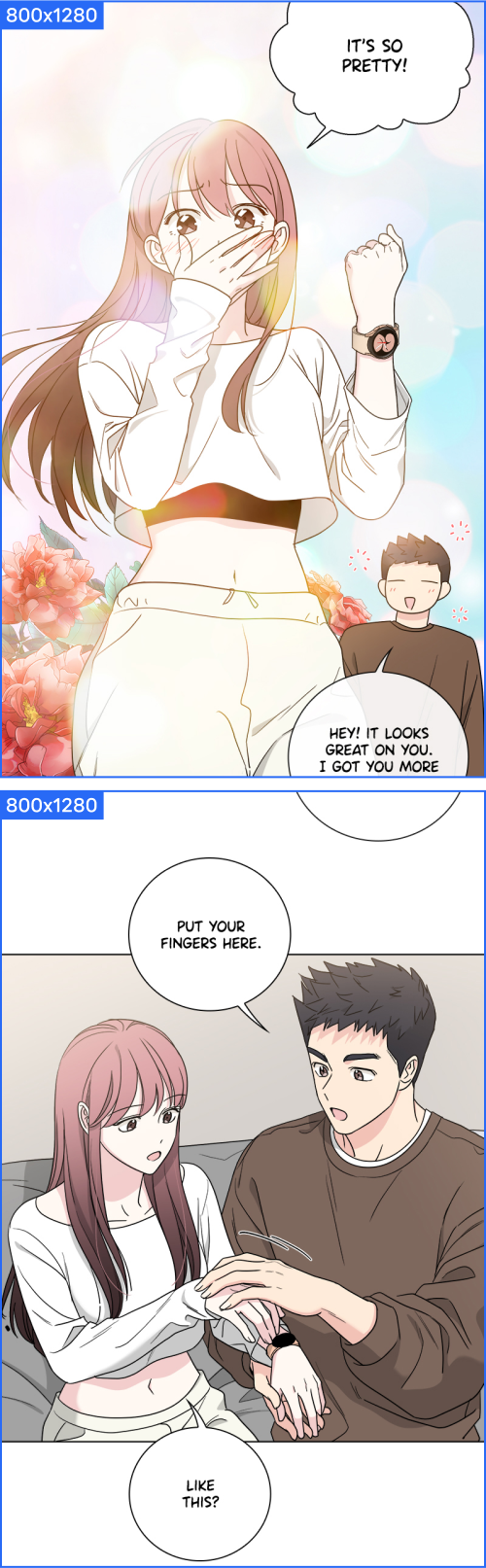
Branded Episode (BES)_Sliced images

800x1280px

300 dpi

JPG

Up to 150MB per page

-

Viewer-end Ad

600x600px

-

PSD JPG, PNG

Up to 150MB

Main ad creative & copy

Episode Thumbnail

202x142 px

-

JPG, PNG, GIF

Up to 150MB

Episode Image

Branded Episode (BES) Production Guide
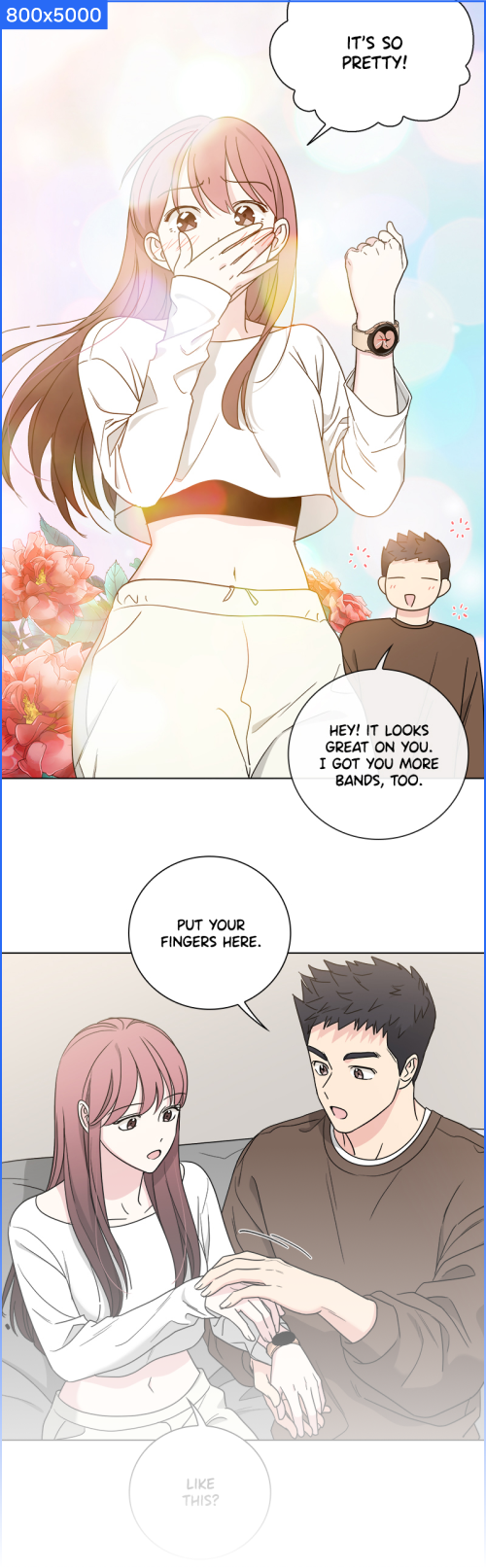
Branded Episode (BES) Manuscript

  • Width: 800px

  • Height: No limit

  • A minimum of 40 and a maximum of 60 panels can be used, with 50 panels being the recommended number.

  • Submit layer-separated PSD or Clip Studio files to allow secondary use in other assets

Branded Episode (BES) Sliced Images

  • 800x1280px

  • Split the completed source file into JPG files, each no taller than 1280px.

Branded Episode (BES)_Manuscript
Branded Episode (BES) Sliced Images

Viewer-end Ad Production Guide

  • 600x600px

  • This is a banner developed by the creator, which is displayed at the bottom of the viewer.

  • Please refer to the design guide : Viewer-end Ad

Episode Thumbnail Production Guide

  • 202x142px

  • This is the thumbnail displayed in the Branded Episode list.

  • We recommend using key scenes from the episode.

circle-check

Last updated