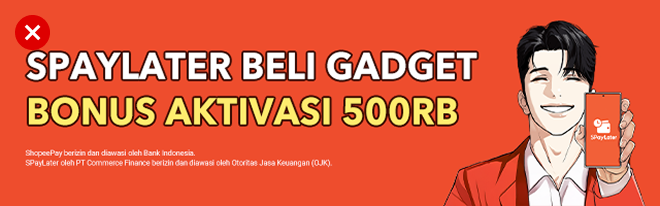
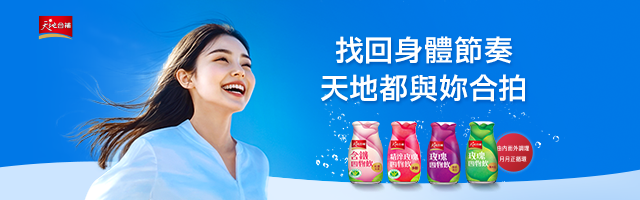
Image Banner

Placement and Features

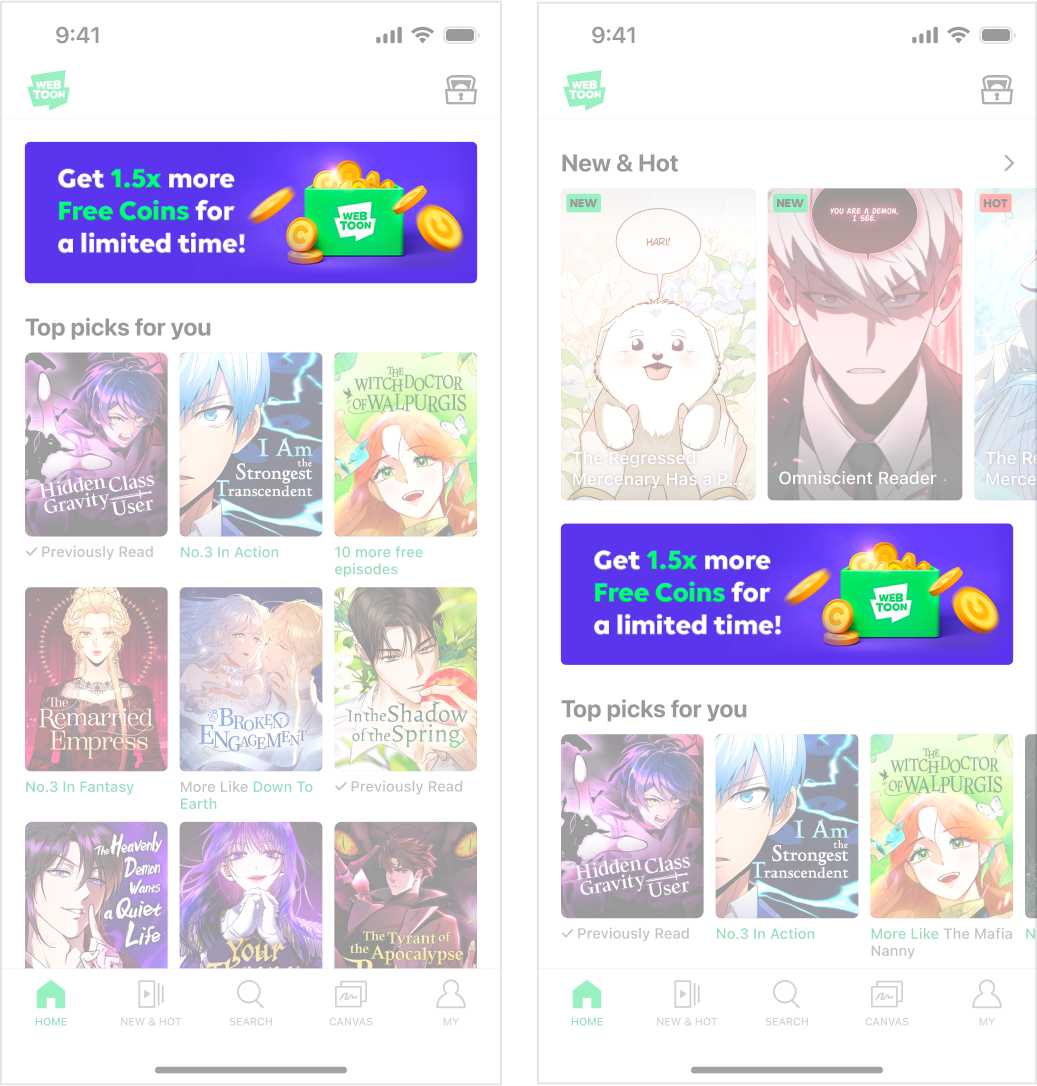
  • This is an image banner ad, which appears in the first view of the app’s main home.

  • The ad appears in a highly visible area where users’ attention lingers, allowing it to be consumed naturally with the service content.

  • Using key visuals and an ad copy is recommended so that the main message can be easily understood at a glance.

  • Ad placement may vary between users.

Required Assets

Dimensions

640x200px

File Size

Up to 200KB

File Format

JPG

Required Asset

Main ad creative & Ad copy

Detailed Production Guide

  • The object may be freely arranged within the designated object area.

  • Ensure that no objects are cropped or cut off outside the banner area.

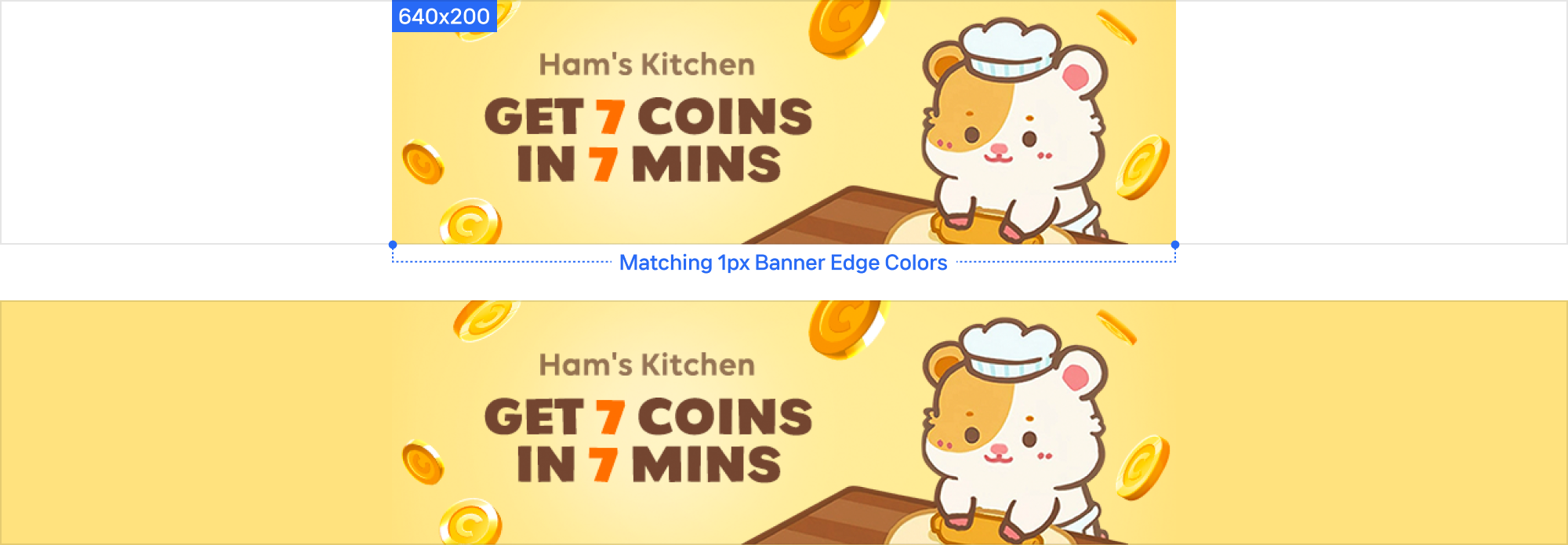
  • The system automatically extends the background by extracting a 1px color from both edges of the banner to fit the resolution, so it must be set to a uniform solid color.

  • Design the banner so that the extended solid background blends naturally with the main image.

  • Buttons are optional

Text Production Guide

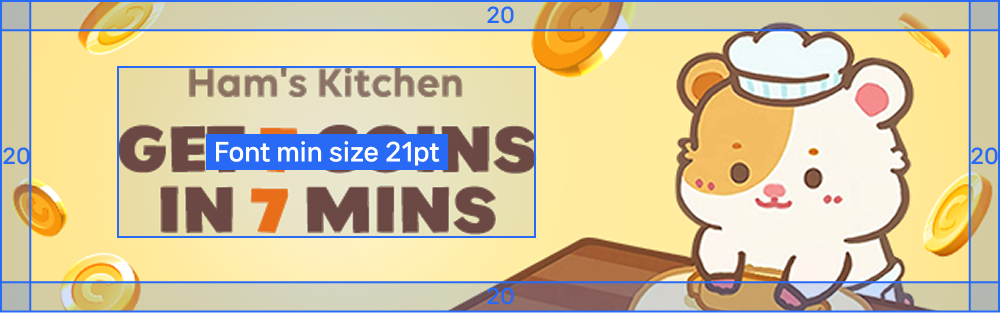
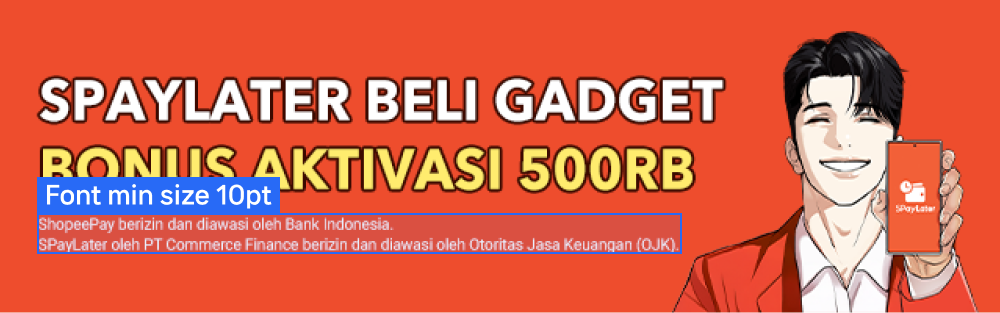
  • Minimum font size: 21pt

  • Please use a Sans-serif typeface for optimal readability.

  • Limit the number of fonts used to two or less.

  • Limit the ad copy to three lines, excluding the logo.

  • Please use no more than three text colors in total: one primary color and two accent colors.

  • The text must not extend into the 20 px margins on the top, right, bottom and left sides.

Example Images

Download Guide and Sample PSD

circle-check

Last updated