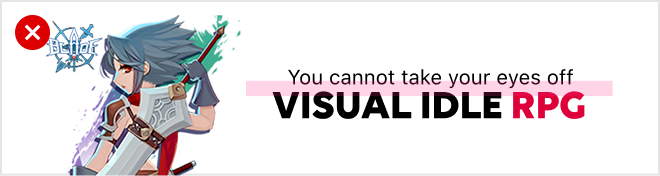
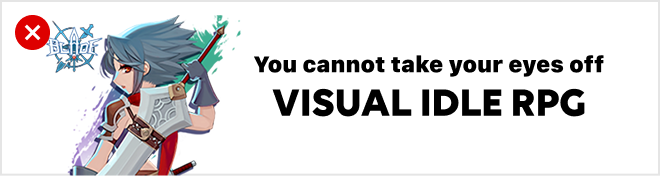
Native Image

Placement and Features
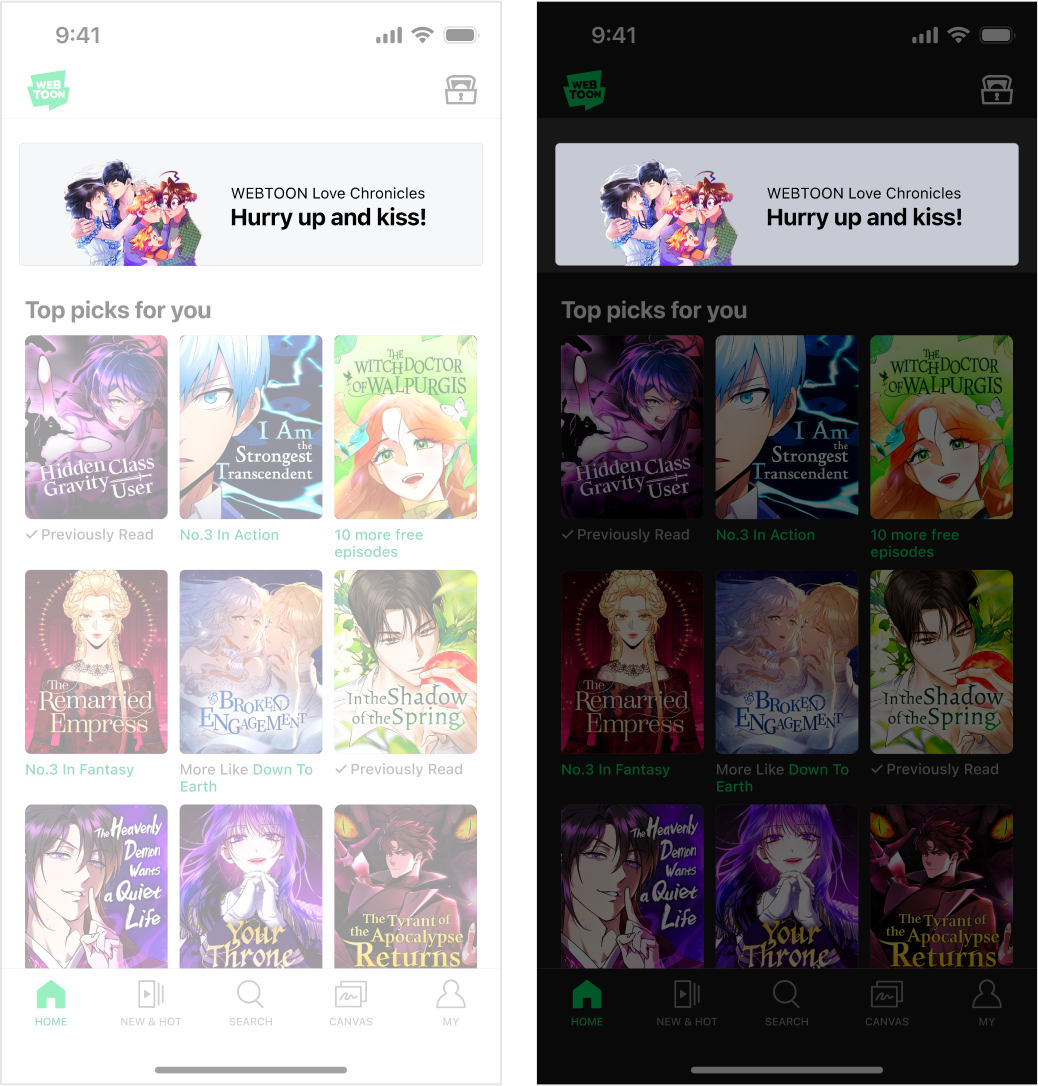
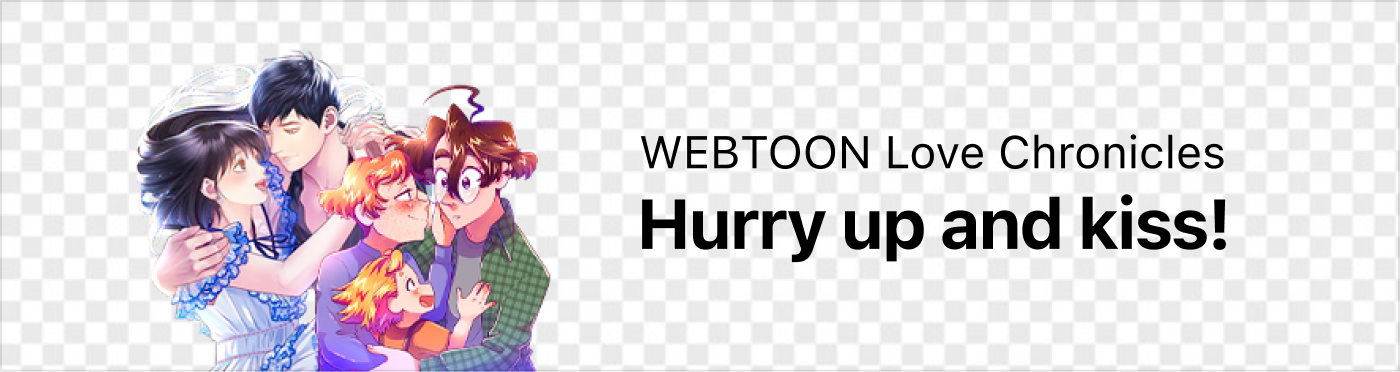
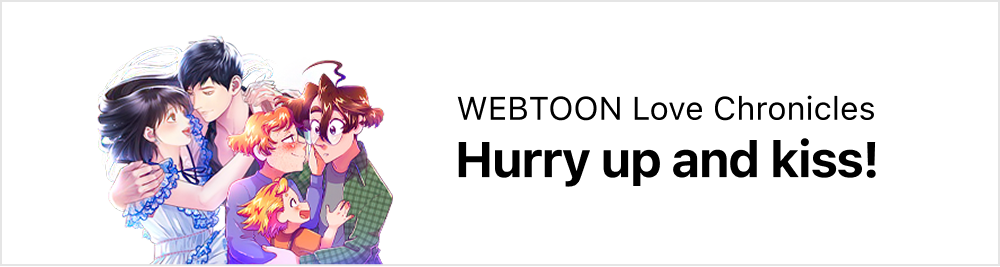
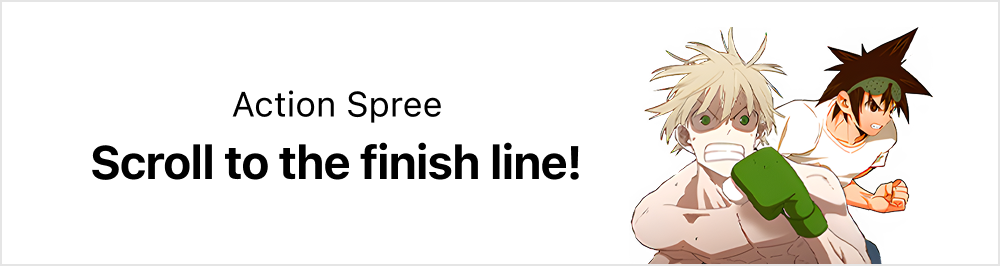
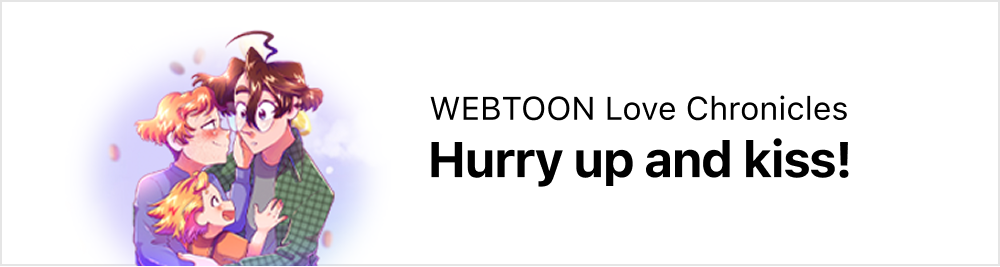
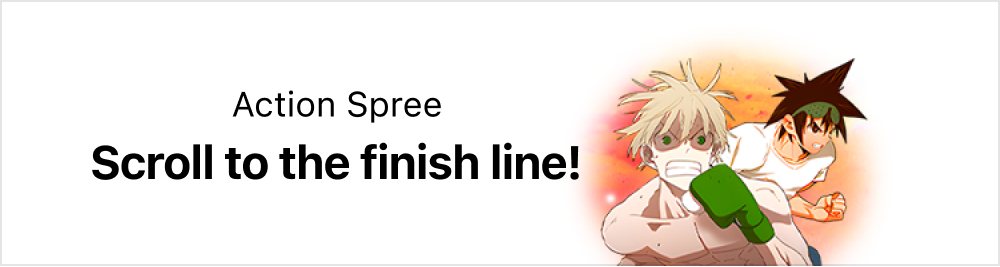
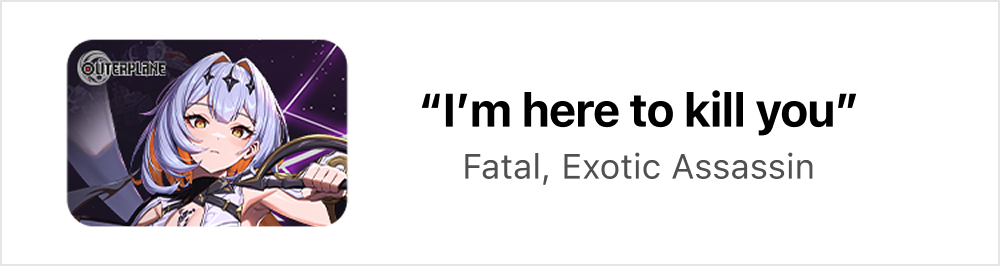
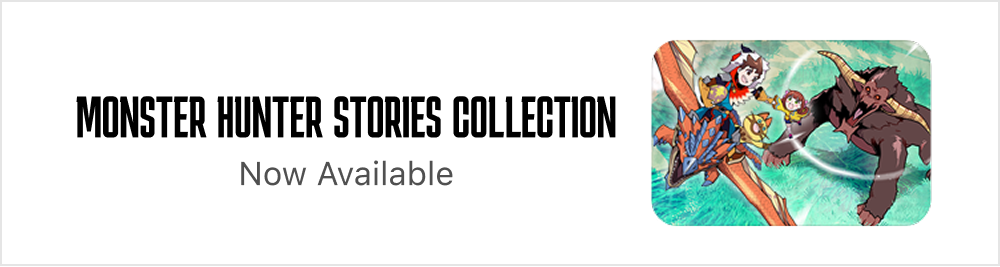
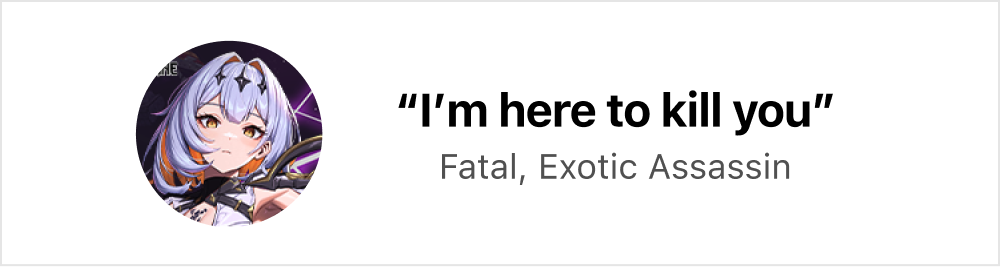
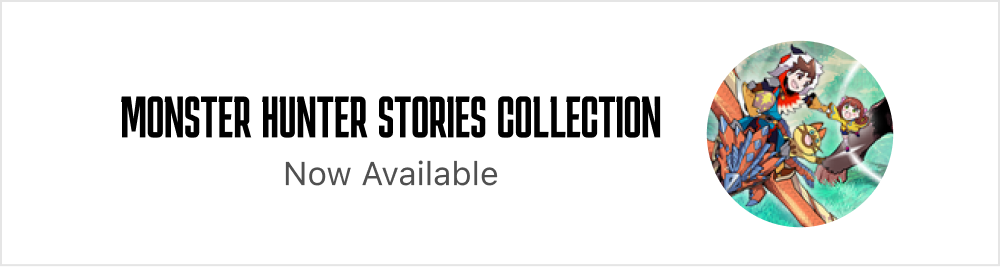
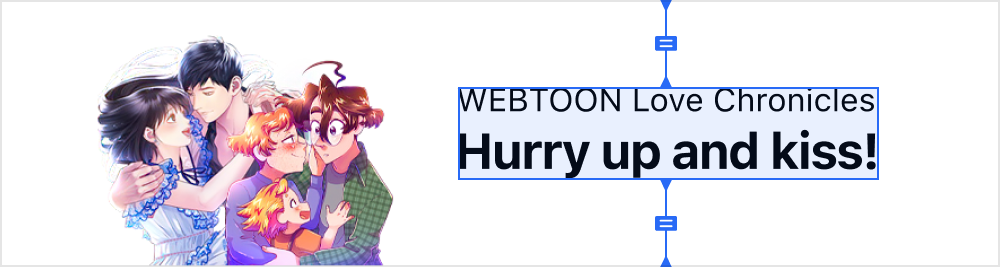
  • This is a native image ad which appears in the first view of the app’s main home.

  • The ad appears in a highly visible area where users’ attention lingers, allowing it to be consumed naturally with the service content.

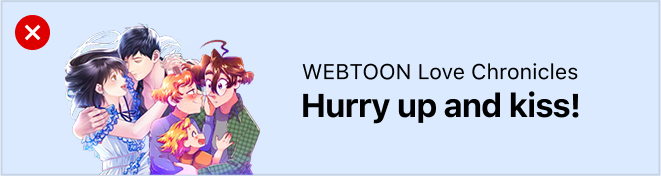
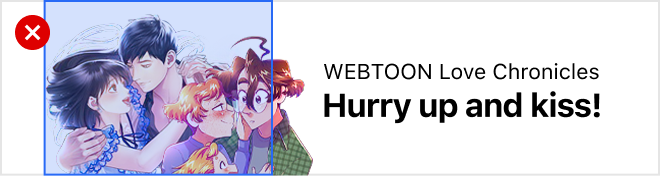
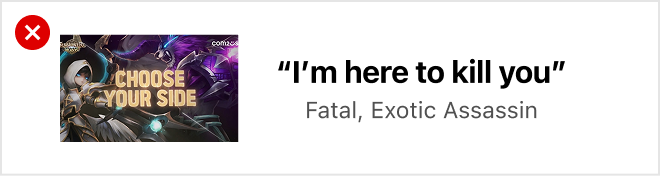
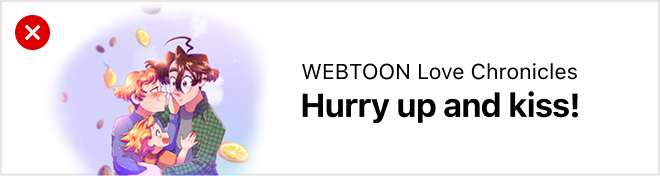
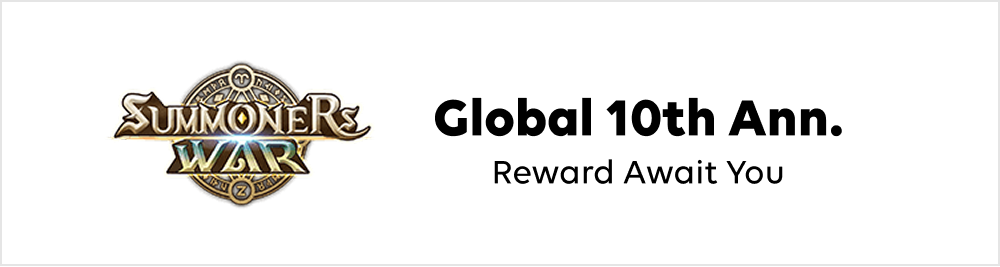
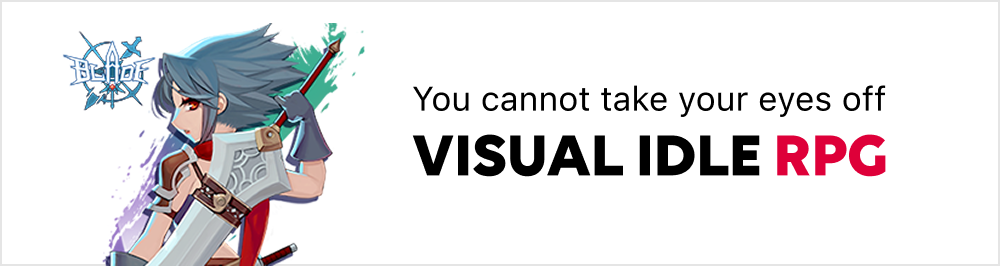
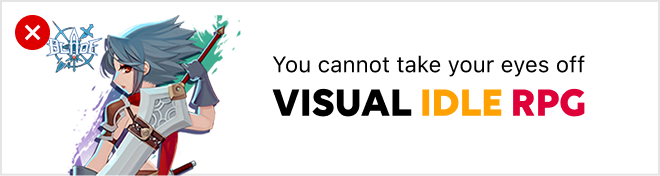
  • Using an object in cutout form and an ad copy is recommended so that the main message can be easily understood at a glance.

  • Either the light mode or dark mode will automatically apply, depending on the user’s device environment.

  • Ad placement may vary between users.

Light mode / Dark mode

Required Assets

  • Please send us the PSD file upon completion.

  • Please use WEBTOON’s PSD sample file for production.

Dimensions

750x200px

File Size

Up to 150KB

File Format

PNG (the background must be transparent)

Required Asset

Main Ad Creative & Ad Copy

Object Production Guide

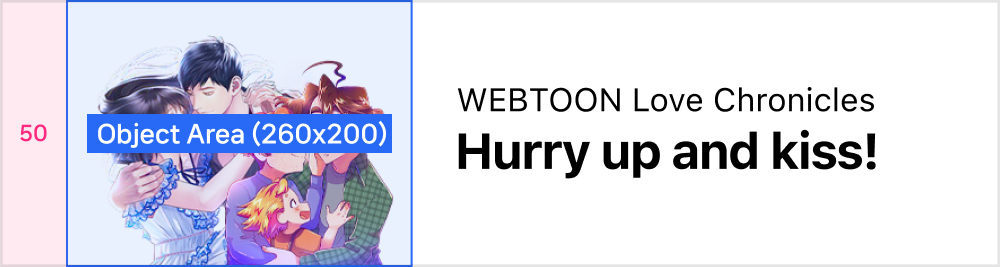
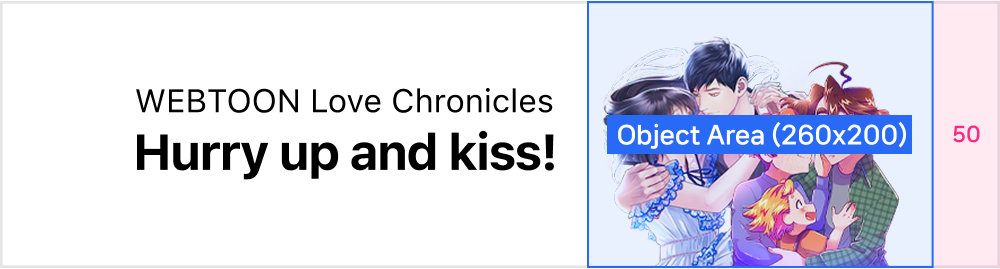
Object Area

  • 260x200px

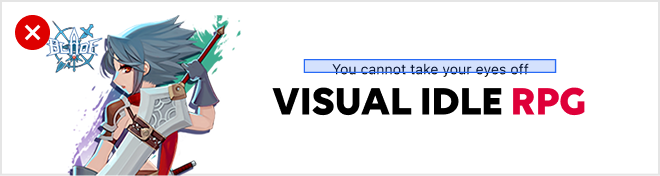
  • An object can be aligned either to the left or the right, and placed anywhere within the object area.

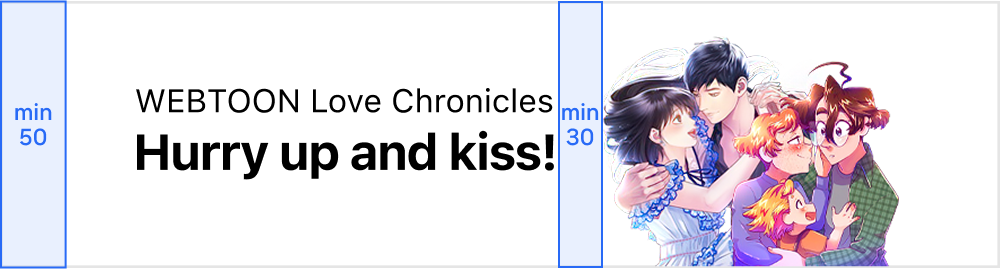
  • The object should have a 50px margin on the left or right.

Aligned to the left
Aligned to the right

Text Production Guide
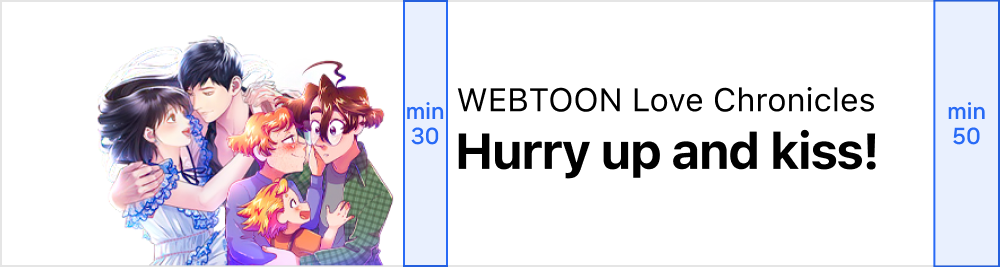
Text Area

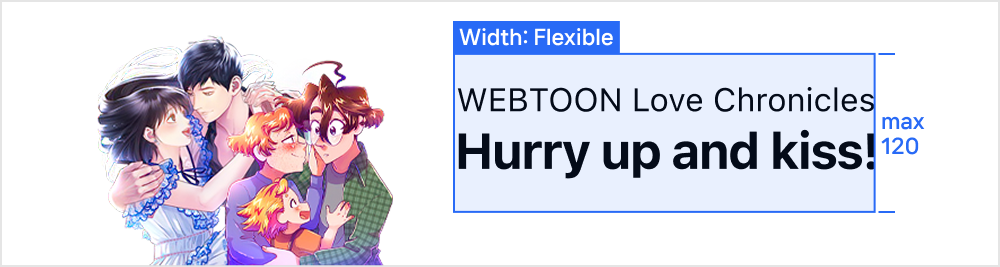
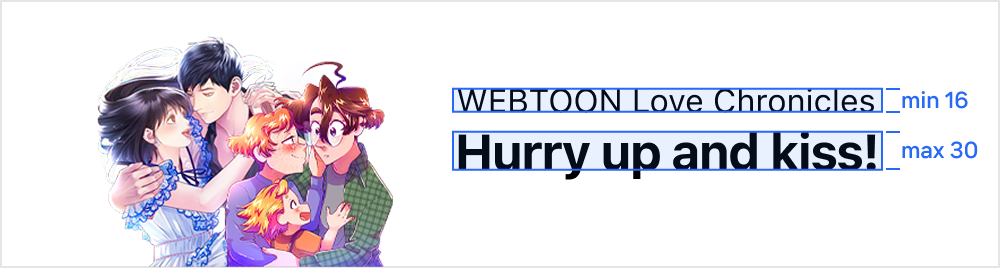
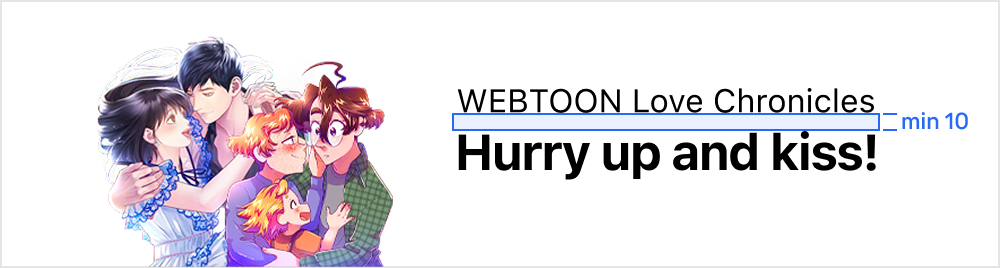
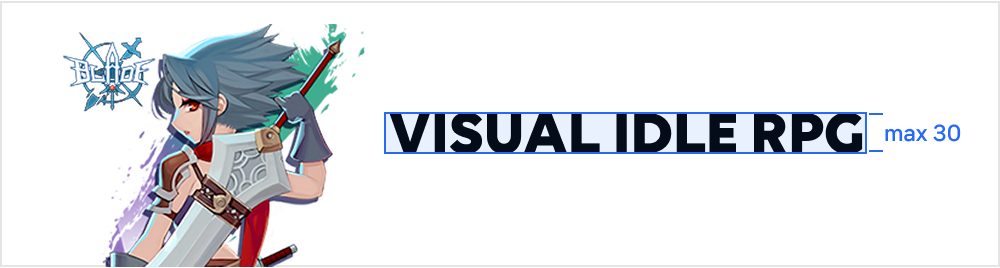
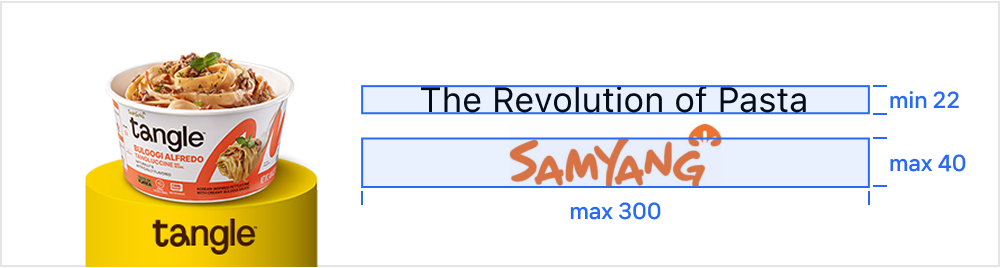
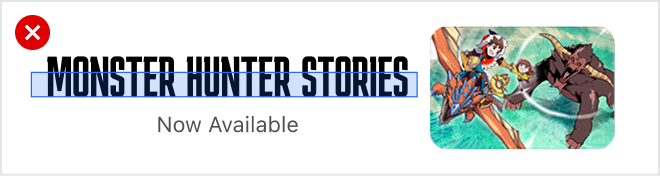
  • The maximum height of the text area is 120px

  • The width of the text area is flexible

  • If the object image has a narrow width, the text area can be widened.

  • The text should be aligned to the center of the banner.

Text Margin

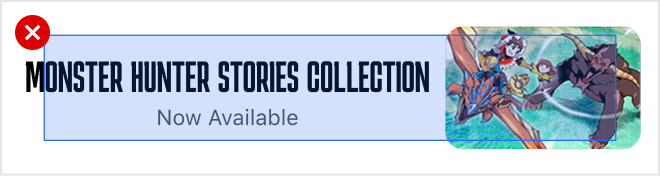
  • The text should have a 50px margin to either the left or right of the banner.

  • Maintain a minimum 30px space with the object.

Text Font & Color

  • Please use a Sans-serif typeface for optimal readability.

  • Please use #000000 or #505050 for font color.

Download Guide and Sample PSD

circle-check

Last updated