Interactive Video

Placement and Features
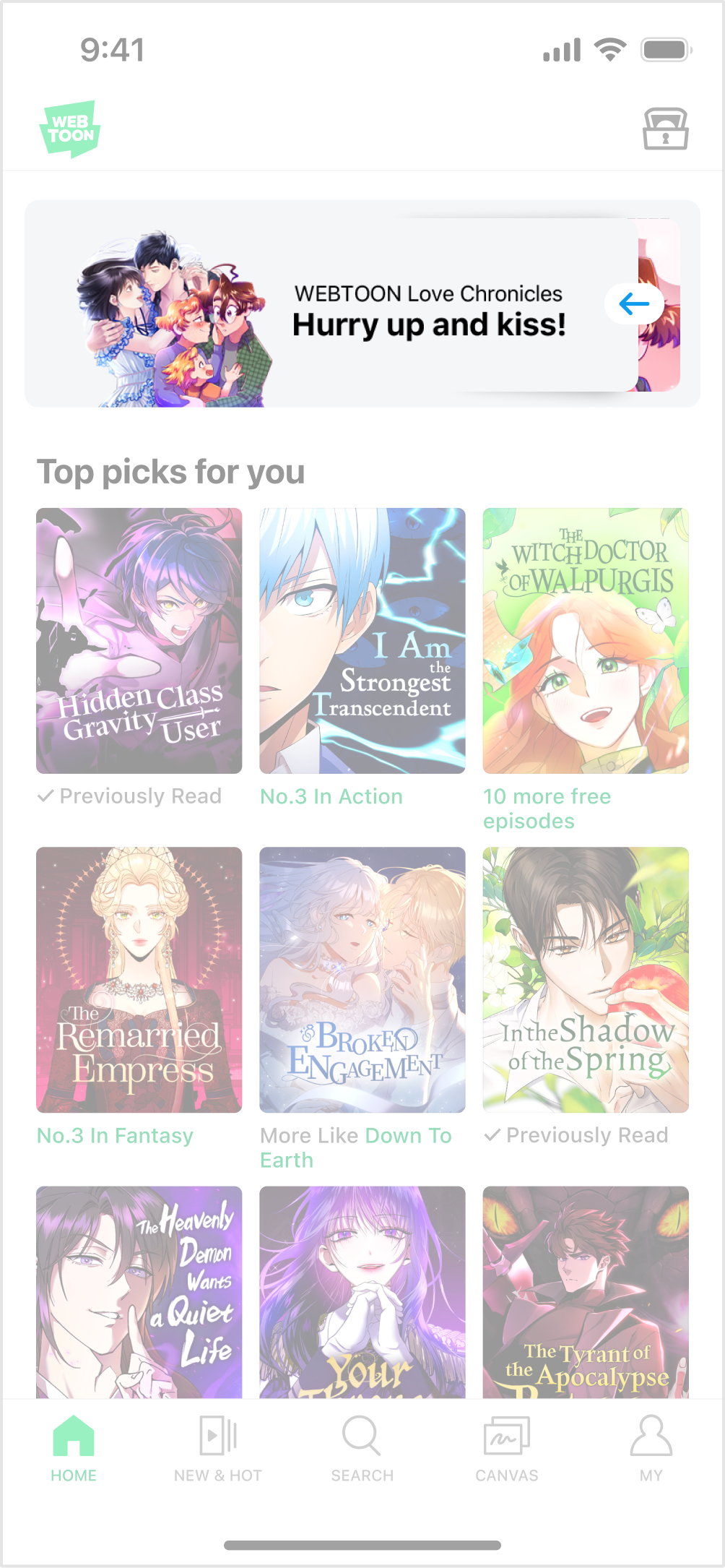
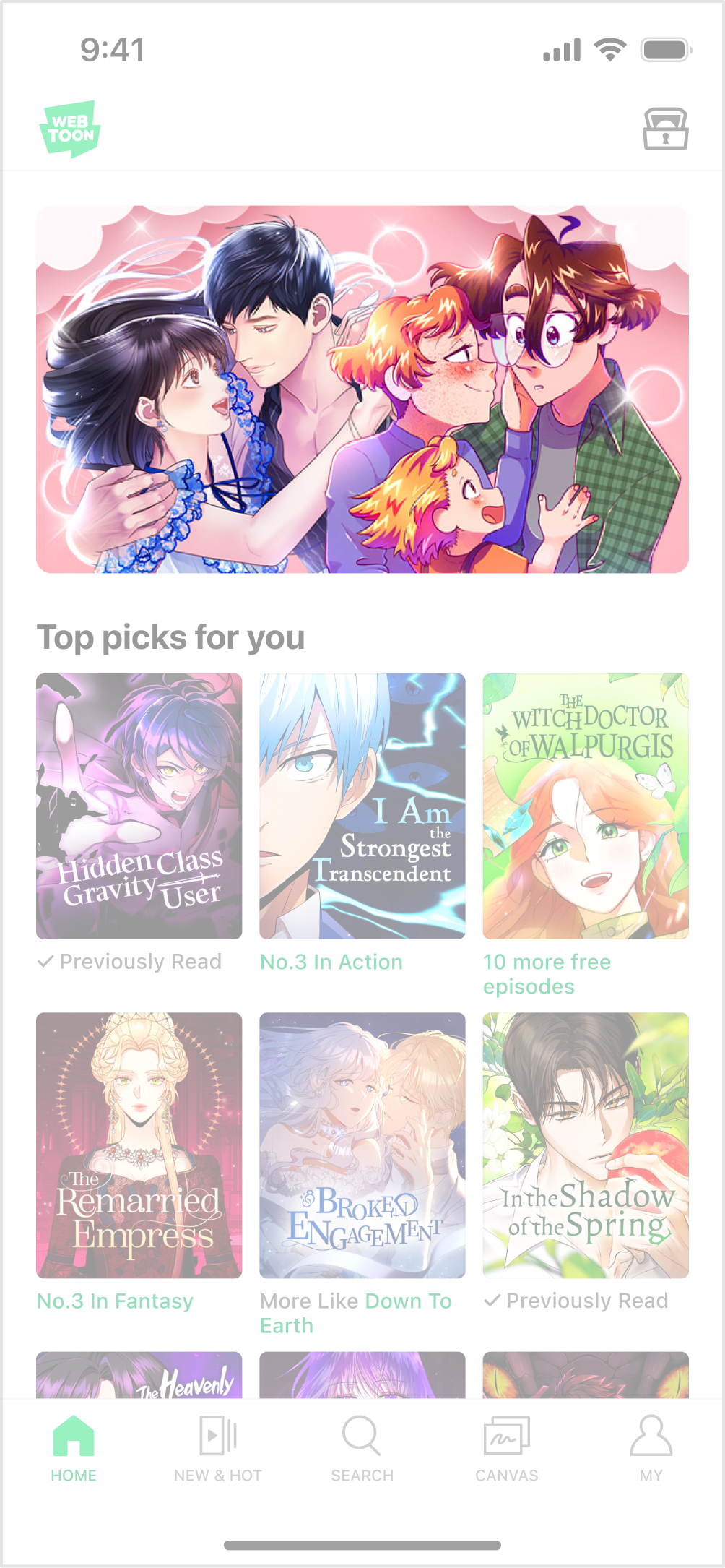
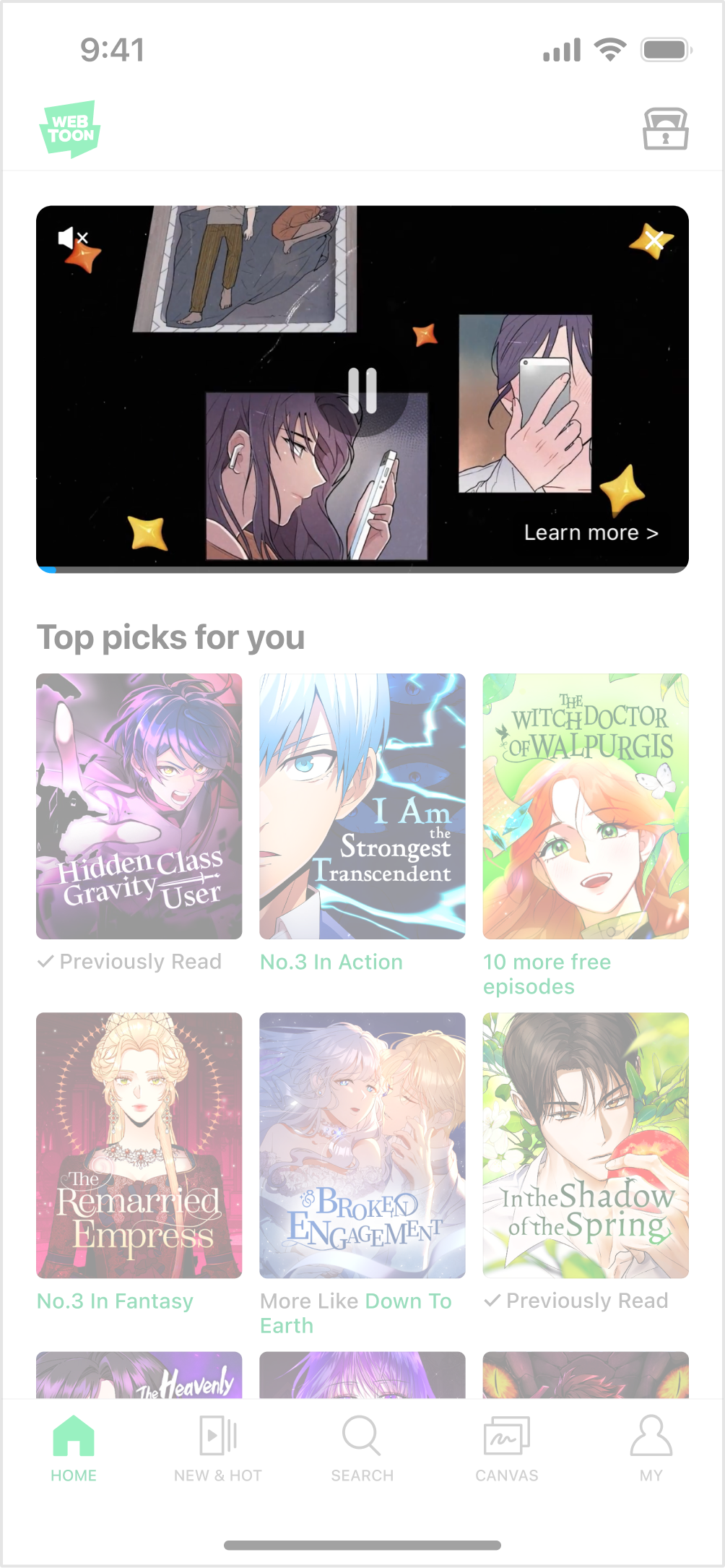
  • This is an expandable video ad which appears in the first view of the app’s main home. The video expands and begins streaming if the user touches or swipes it.

  • It consists of a visually engaging image asset and a 16:9 video which plays up to 60 seconds.

  • Either the light mode or dark mode will automatically apply, depending on the user’s device environment.

  • • Ad placement may vary between users.

Enter the main home
Touch/Swipe the banner
The video is expanded & played
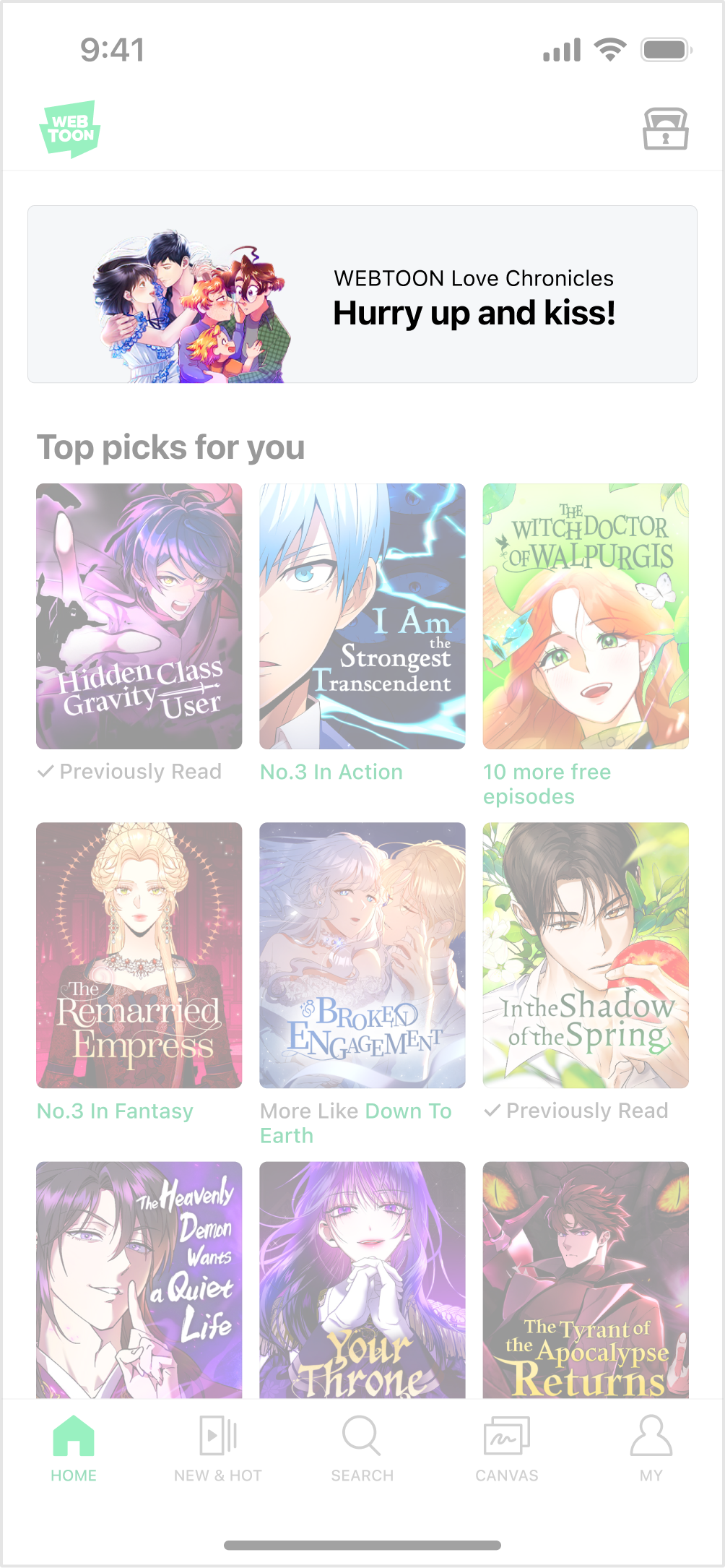
The video cannot be played

Required Assets

  • All of the four assets below have to be produced for a single ad.

  • Please send us the PSD file upon completion.

  • Please use WEBTOON’s PSD sample file for production.

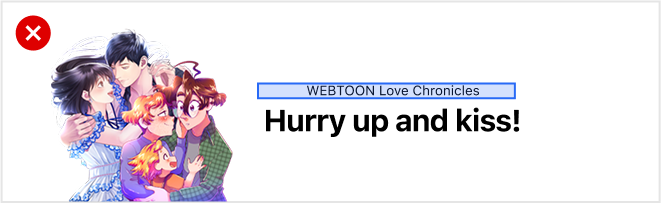
Premium Image
Default Image
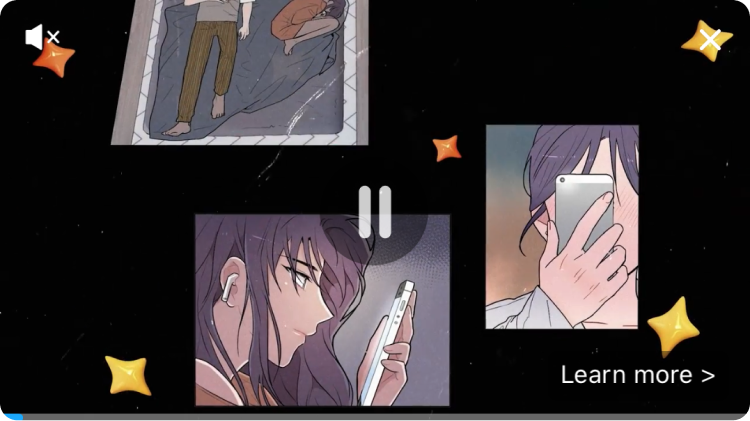
Video Thumbnail
16:9 Video
Asset
Dimensions
File Size
File Format
Required Asset

Premium Image

750 x 230 px

Up to 150KB

PNG (The background must be transparent)

Main ad creative, Ad copy

Video Thumbnail

640 x 360 px

Up to 150KB

JPG, PNG

Main ad creative

16:9 Video

1920 x 1080

Up to 1GB

AVI, MP4, WMV, MPG, MPEG

Video with maximum length of 60 seconds

Default Image

750 x 200 px

Up to 150KB

PNG (The background must be transparent)

Main ad creative, Ad copy

Premium Image Production Guide

Object Production Guide
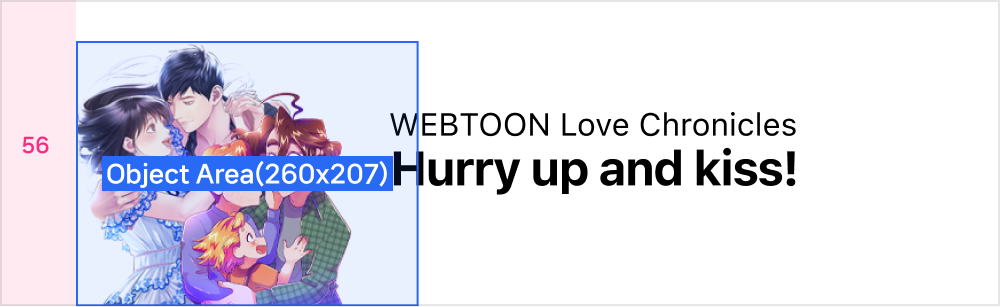
Object Area

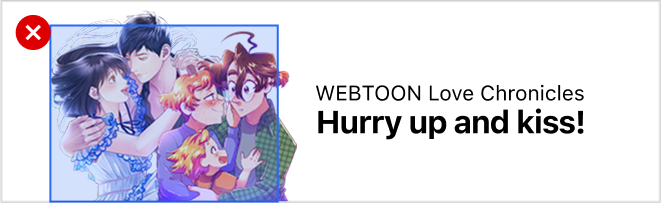
  • 260x207px

  • An object can be aligned to the left, with a 56px margin.

  • The object should not exceed ~70%(36,400px) of the designated area.

Aligned to the left
Designated area
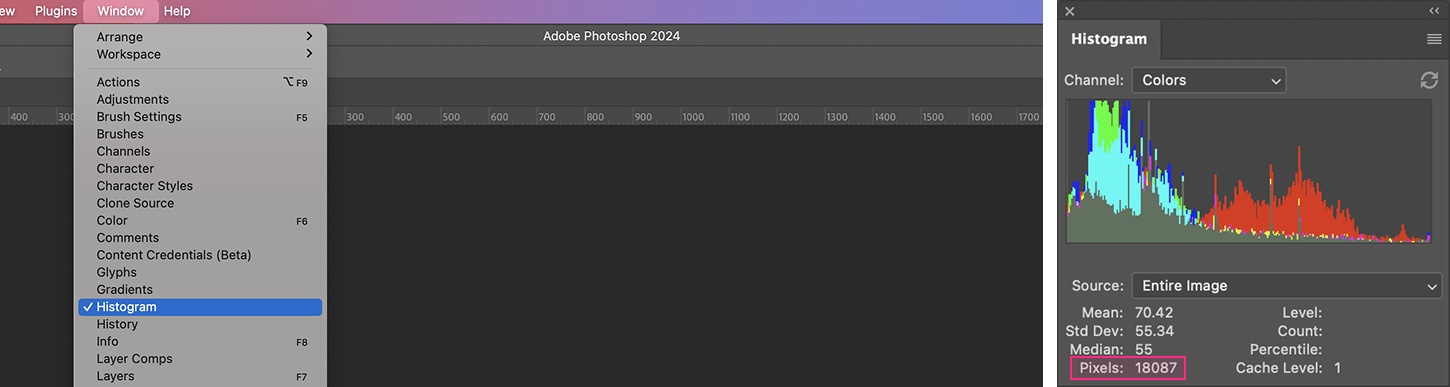
How to check the designated area

Background (Optional)

  • • A background can be added to enhance the visual look and feel of the ad creative

  • Please use WEBTOON’s PSD sample file for production.

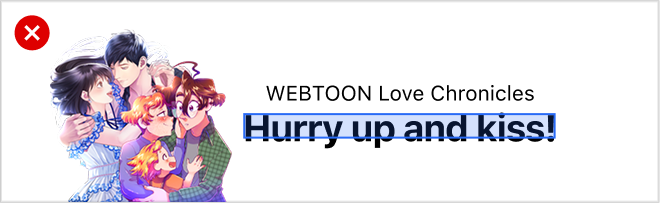
Text Production Guide

Text Area & Margin

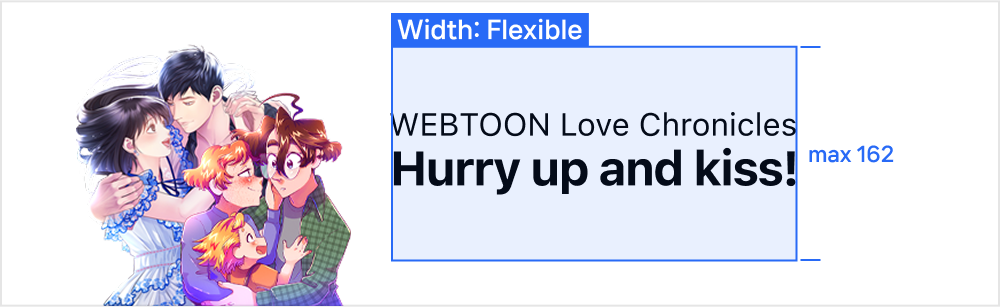
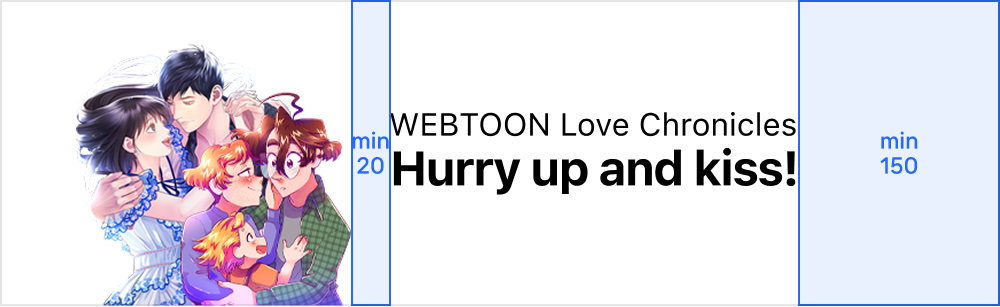
  • The maximum height of the text area is 162px.

  • The width of the text area is flexible.

  • If the object image has a narrow width, the text area can be widened.

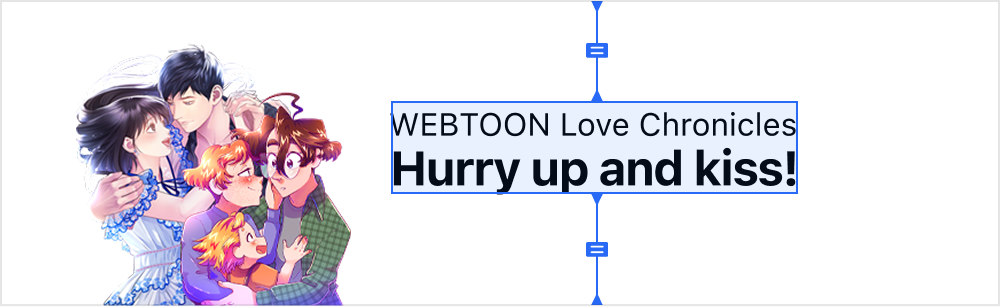
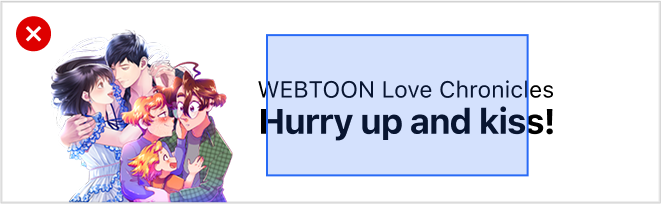
  • The text should be aligned to the center of the banner.

  • If the text area is widened, maintain a minimum 20px space from the object and a 150px right margin.

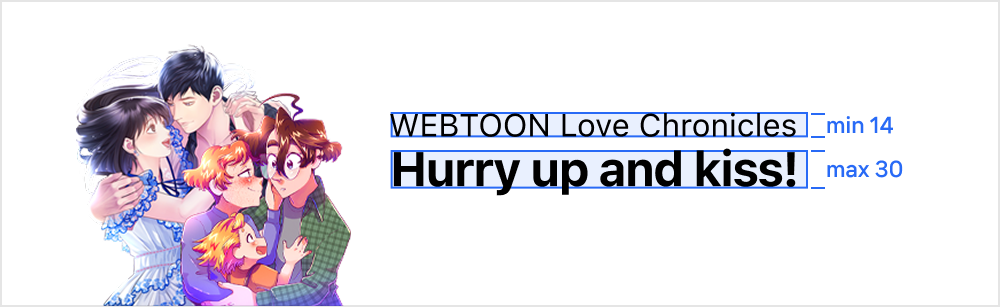
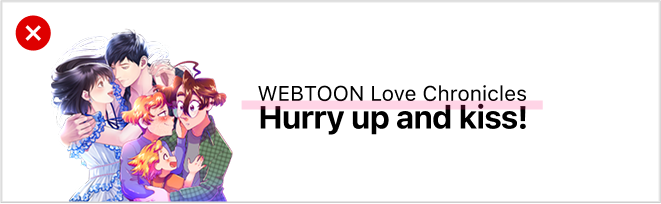
Text Dimensions

  • Height : At least 14px ~ Up to 30px

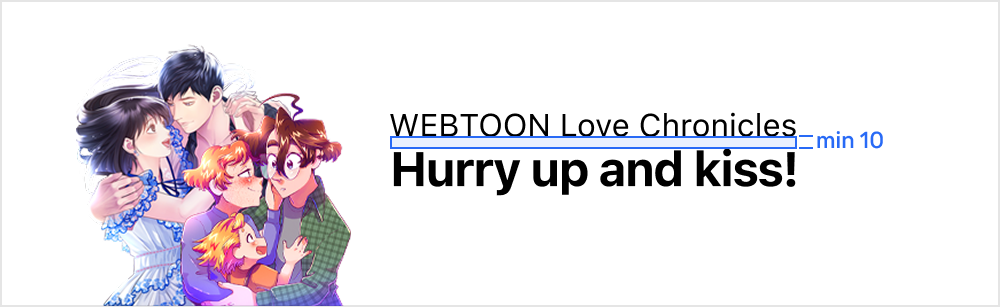
  • If the ad copy exceeds 1 line, maintain minimum line spacing of 10px.

  • The ad copy can span up to 3 lines, with consistent text height for each line.

Video Thumbnail Production Guide

  • 640x360 px

  • This is a thumbnail image which appears while loading the 16:9 video, after the user touches or swipes the premium image.

  • Please select key scenes to best capture the essence of the video content or generate excitement.

Default Image Production Guide

  • 750x200 px

  • This image will appear if the video fails to load due to weak internet connection.

  • Please produce the default image according to Premium Home AD > Native Image design guidelines.

16:9 Video Production Guide

  • 1920x1080 px

  • The video should last up to 60 seconds.

  • It is impossible to use videos that infringe upon third-party rights—such as rights of publicity, copyright or trademark—or contain excessive nudity or explicit content.

  • Only ad-relevant content should be included in the video. Silent videos cannot be used.

Download Guide and Sample PSD

circle-check

Last updated